


How to Download TikTok Stories (Photos and Videos)
Learn how to download TikTok stories: save your own Story in the app, or download public story media with a browser story viewer.
Published
On this page
Want to know how to download TikTok stories before they disappear? Stories usually last about 24 hours according to TikTok Help. If you need a personal copy — of your own update, or of public media you are allowed to save — you have to act while the Story is still live.
This guide covers two honest paths: saving your own Story inside TikTok, and downloading public story media with a browser TikTok story viewer on Tik Story View. It does not cover private unlocks or “recover any expired Story” claims — those are scam territory.
Can you download TikTok stories?
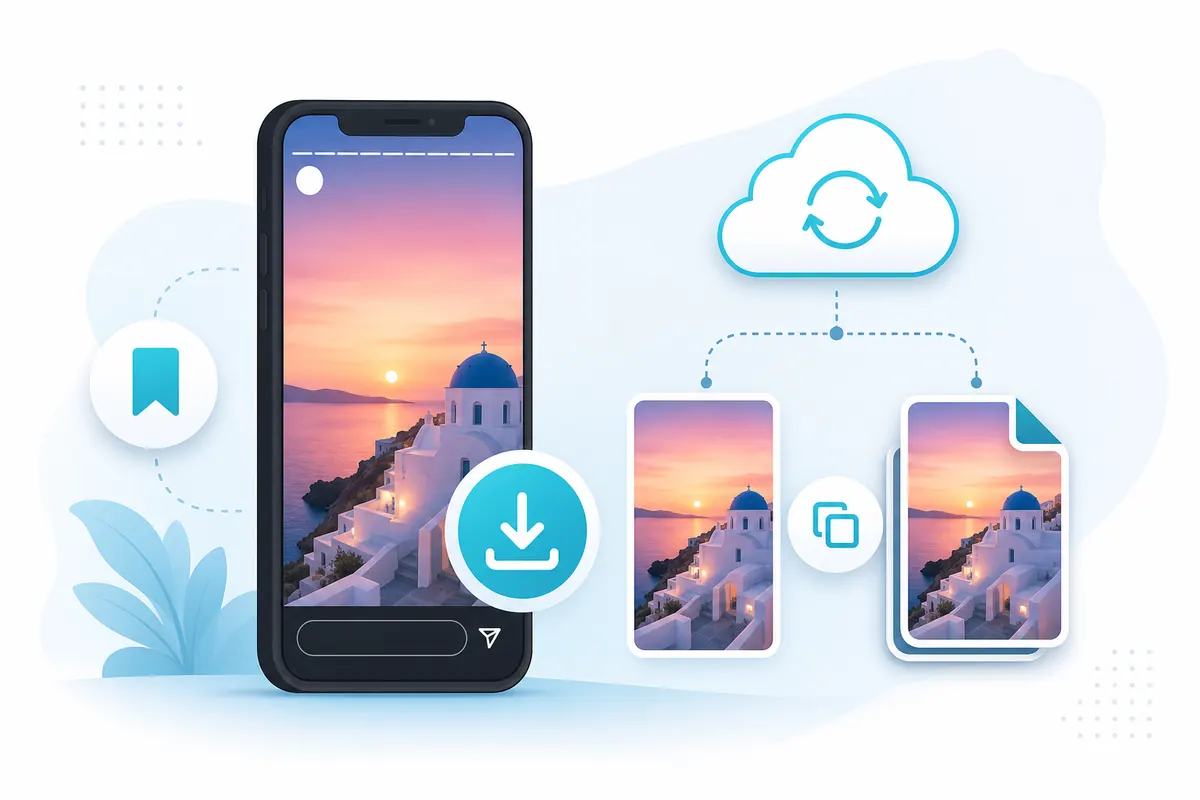
Save while the Story is live. Expired trays cannot be restored by a public viewer.
Yes, with limits:
- Your own Stories — TikTok provides in-app save options while the Story is available
- Other people’s public Stories — only while they are public and active; a browser viewer can offer download controls for reachable media
- Private / friends-only / expired — not available through legitimate public tools
If results are empty, that is often correct. See no stories showing troubleshooting and can you view expired TikTok stories.
Download your own Story in the TikTok app
When you are the creator, the app is the right place:
- Open TikTok → your profile
- Open your active Story ring
- Open the menu (often three dots) on the Story you want
- Choose the save / download option TikTok shows
- Confirm the file lands in your device gallery or downloads folder
Stronger habit: save before you post
If the moment matters for your brand archive, keep a local copy before publishing. Expiry will still remove the public tray item, but you keep your original file.
For posting workflows, see how to post TikTok Stories and why creators post Stories.
Download public Stories with Tik Story View
For public accounts with active Stories, use the browser flow:
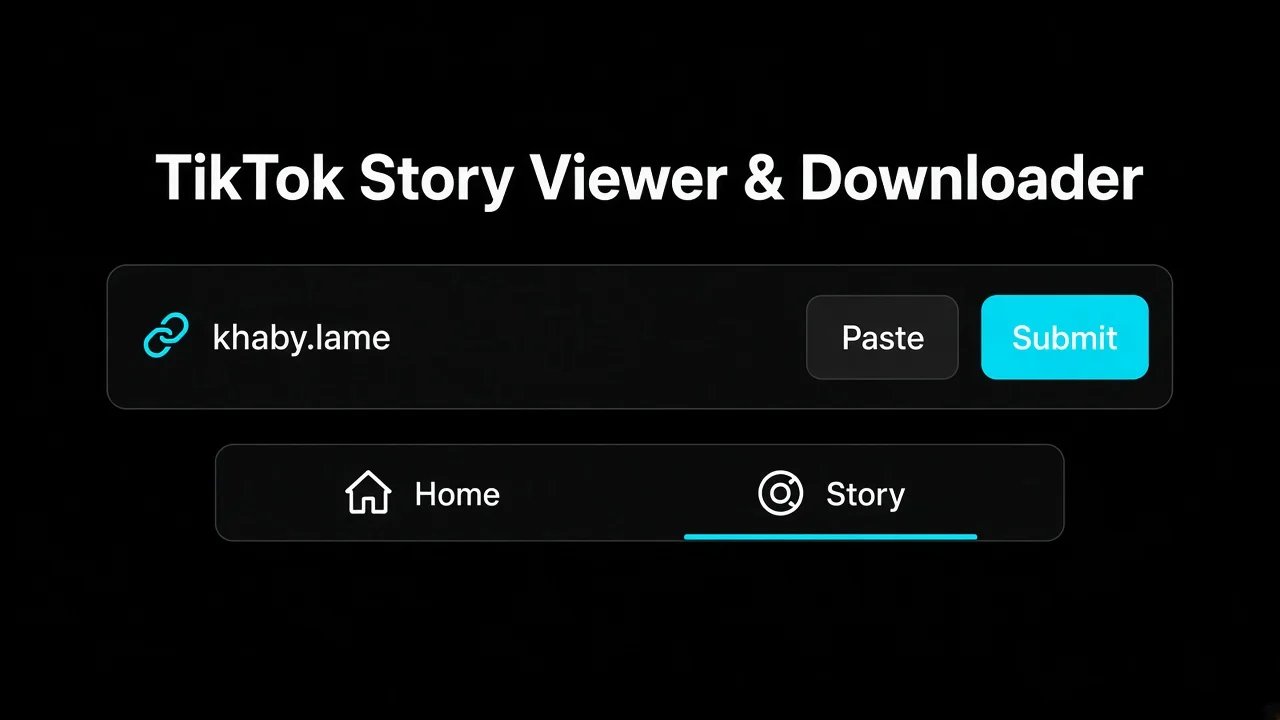
Paste a public username or profile link on tikstoryview.com.
Step-by-step
- Go to tikstoryview.com
- Enter the exact public
@username (or paste a profile URL) - Open the profile when it loads
- Open active Stories in the player
- Use download controls for public photo or video media when available
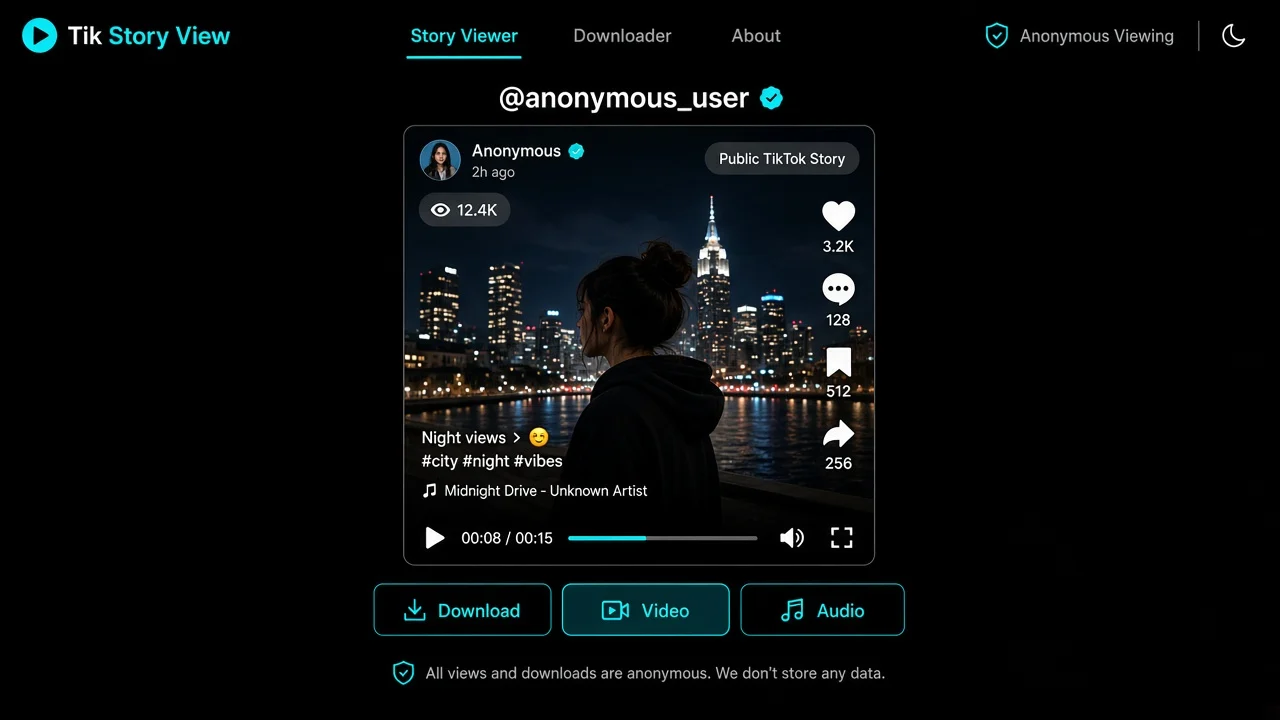
In the player, download public media when TikTok still exposes it.
You do not need to sign into TikTok on the site. That keeps the lookup closer to an anonymous public check — see how to view TikTok stories anonymously.
What “download” usually means on the site
Depending on the media:
- Photos → JPG
- Videos → MP4 (including HD when available)
- Video-only → picture without the original soundtrack when offered
- Music → MP3 when a soundtrack track is available
Exact options depend on what is publicly reachable for that item.
What you can and cannot save
| Situation | Download? |
|---|---|
| Your own live Story in the app | Yes, via TikTok’s save tools |
| Someone else’s public, active Story | Yes, when a public viewer can reach the media |
| Private account Story | No |
| Expired Story | No (unless you already saved a lawful copy earlier) |
| Highlight (if public) | Different surface — check highlights tools when available |
Public vs private boundaries are covered in public vs private TikTok stories.
Legal and respectful use
Downloading public media for personal reference is not the same as republishing someone else’s Story without permission. Keep copies private unless you have rights or a clear fair-use reason. Do not use downloads to harass, misrepresent, or stalk anyone.
A good rule: if you would not feel comfortable asking the creator, do not redistribute their Story.
Troubleshooting downloads
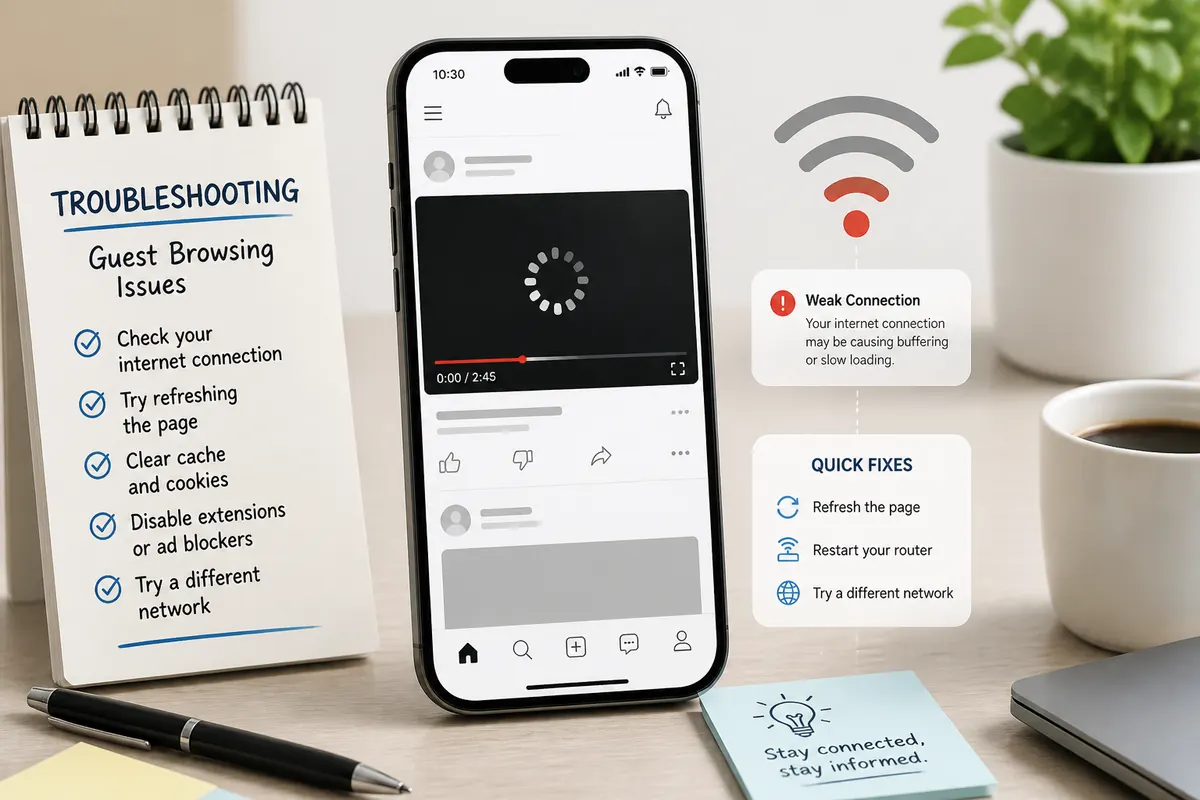
Network and loading issues can look like a “broken” download button.
Try this order:
- Confirm the Story ring is still live on the official profile
- Confirm the account is public
- Confirm you used the exact username
- Wait for the player to finish loading media
- Retry on a stable network (or a phone hotspot once)
- Update the browser; pause aggressive blockers that may block media hosts
If the Story expired while you were reading this page, the window closed — download earlier next time.
Ready to try a public save? Open Tik Story View, paste a public handle, and download only while the Story is live.
FAQ: How to download TikTok stories
Quick answers about saving Stories from the app and from a public story viewer.
Can I download someone else’s TikTok Story?
Only if it is publicly reachable and still live. Private Stories and expired Stories cannot be downloaded by a legitimate public viewer.
How do I download my own TikTok Story?
In the TikTok app, open your live Story and use the save / download option in the menu, or save a copy before you post.
What file types does Tik Story View support?
For public media, downloads can include JPG photos and MP4 videos (including HD and video-only when available), plus MP3 when a soundtrack exists.
Why is the download button missing?
The Story may be private, expired, still loading, or blocked by network filters. Confirm the profile is public and the Story is active.
Is downloading the same as viewing anonymously?
No. Viewing previews media. Downloading saves a copy. Both still require public, currently available content on a tool like Tik Story View.