


Public vs Private TikTok Stories: What Viewers Can See
Understand the difference between public and private TikTok stories, and what a TikTok story viewer can legally and technically show.
Published Updated
On this page
Not every TikTok update is available to every audience. Before you use a TikTok story viewer, it helps to understand the difference between public and private story access — and why honest tools refuse to cross that line.
Why the distinction matters
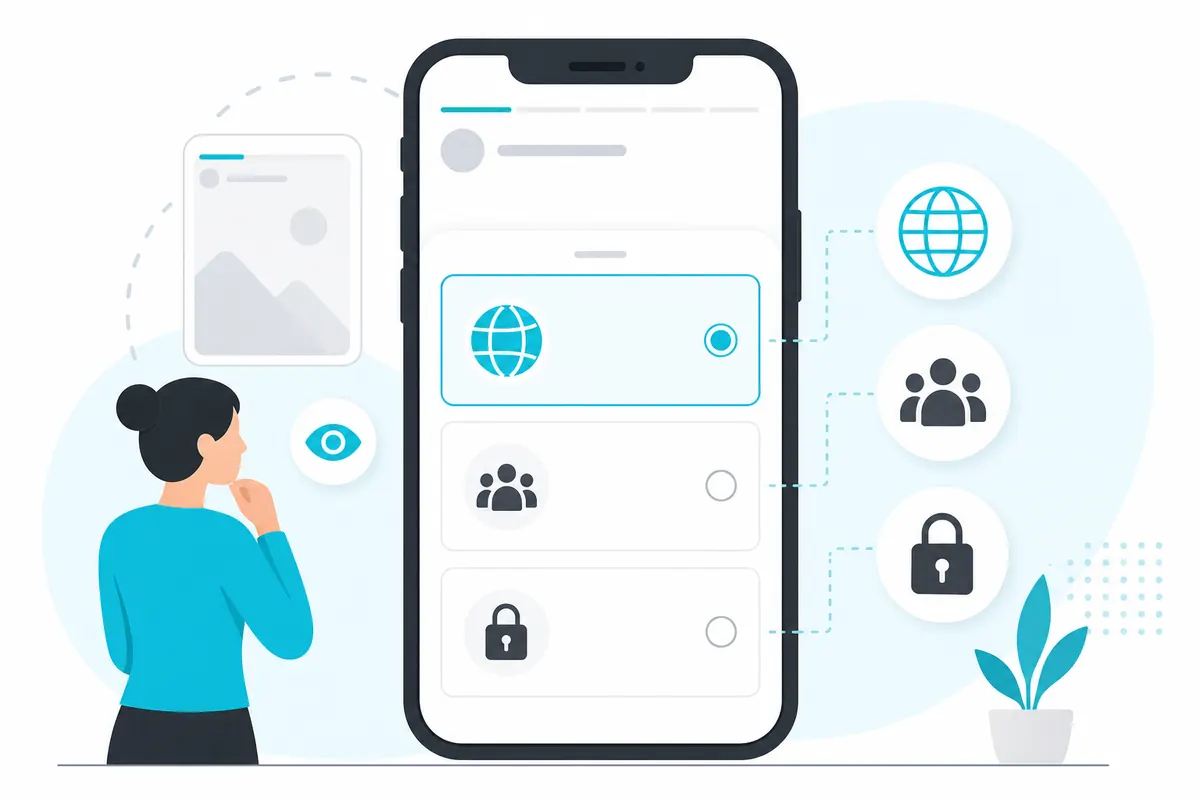
Creators choose who can see updates. Public tools should honor those choices.
Public tools should stay public. Crossing into private content is not just a product issue; it is an ethics and trust issue. The best TikTok story viewer brands are clear about limits: if the creator locked the door, the viewer does not pick the lock.
That clarity also protects you. Sites that advertise a private TikTok story viewer often push passwords, malware-like installs, or fake “verification” flows.
Public stories
Public stories are attached to public profiles and can be opened by people who can view that profile’s public content. These are the stories a TikTok story viewer is designed to find.
Typical traits:
- The account is public
- The story is in the active window (often ~24 hours)
- There is no extra friends-only restriction blocking outside viewers
On Tik Story View, that is the happy path: search → public profile → live stories → optional download.
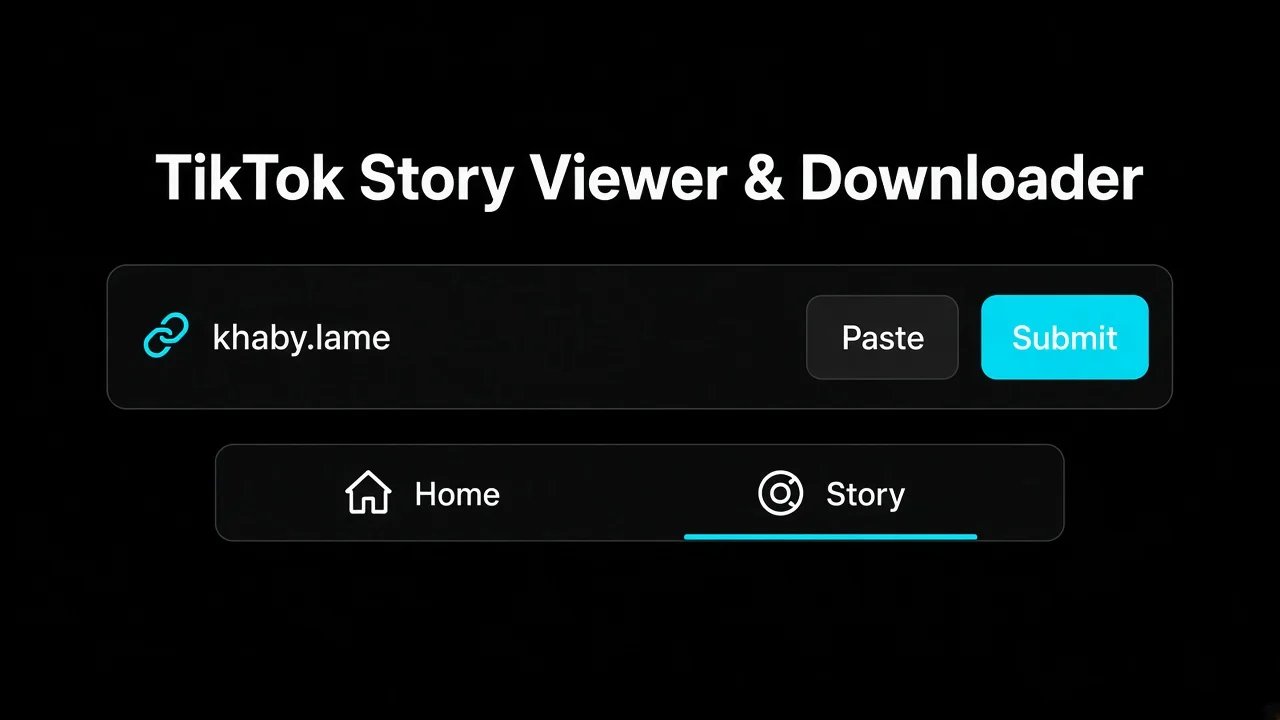
Start with a public handle or profile link — private profiles will not unlock in a public viewer.
Private accounts
If an account is private, outsiders generally cannot browse that profile’s content without approval — see TikTok’s guide on making an account public or private. A TikTok story viewer should not claim to bypass private account protections. On Tik Story View, private profiles are outside scope by design.
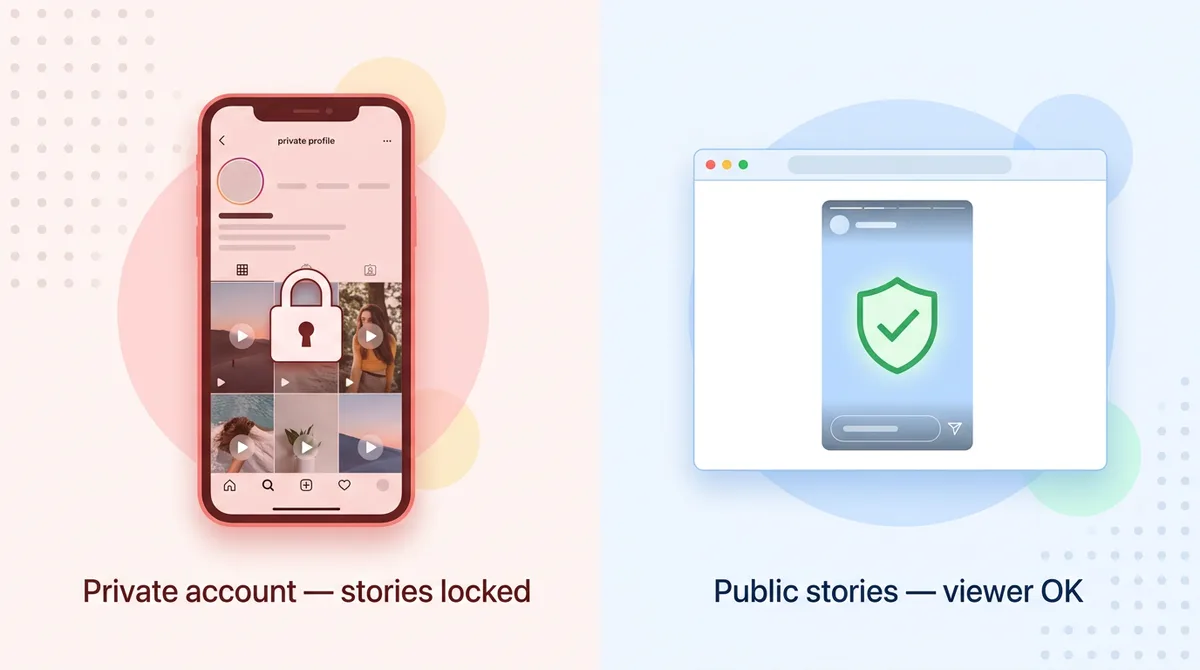
Private means closed to outsiders. Empty results on a public-only tool are expected.
Legitimate options if you need private content:
- Send a follow request in the official app
- Wait for approval
- View as an approved follower inside TikTok
There is no ethical shortcut that replaces consent.
Audience-limited sharing
Even on public accounts, creators may use audience controls for some sharing features depending on platform options and settings. If a story is not publicly reachable, a browser TikTok story viewer will not display it.
Also remember: public account ≠ active story. A public creator can have a busy feed and still post zero stories today. See stories vs feed posts and troubleshooting empty results.
What a public story viewer can show
| Content type | Public story viewer | Notes |
|---|---|---|
| Active public stories | Yes | Core use case |
| Expired stories | No | Not a time machine — expired stories guide |
| Private account stories | No | Fail closed |
| Friends-only / restricted shares | No | Not publicly reachable |
| Public profile posts / highlights (when offered) | Sometimes | Product-dependent; Tik Story View includes broader public profile tools |
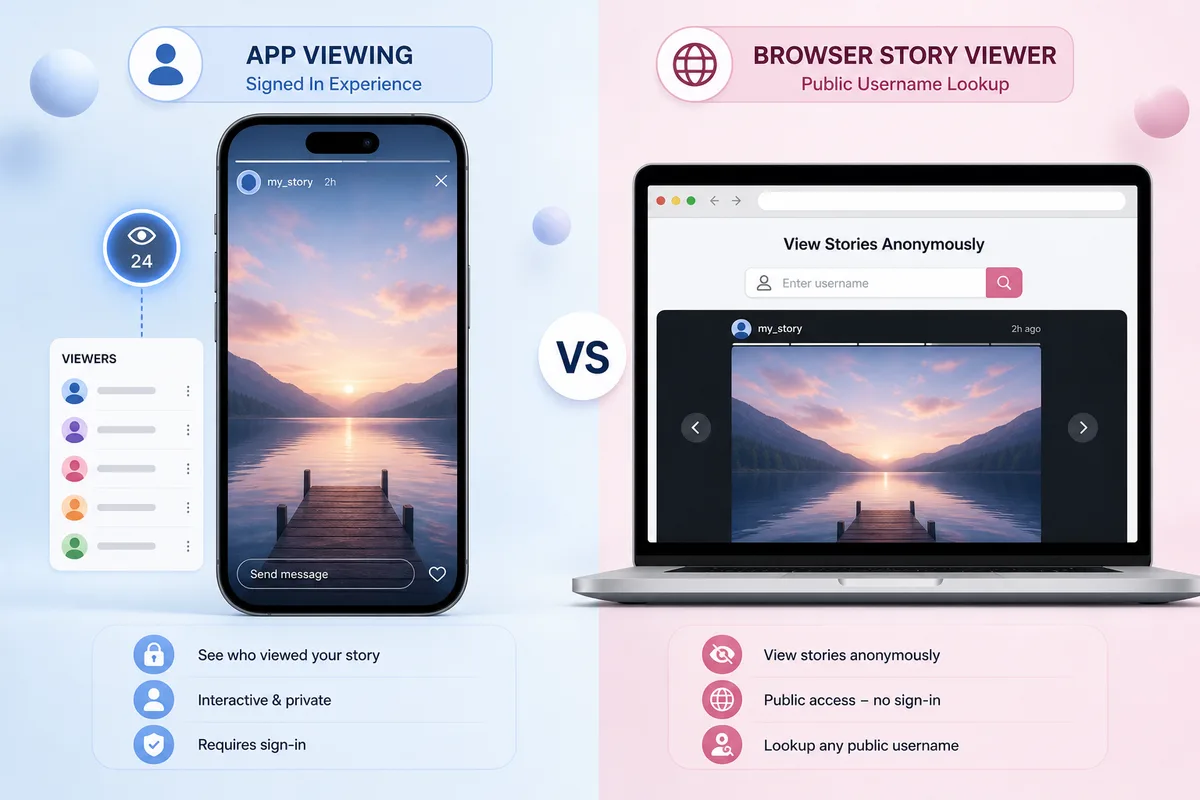
The official app handles your social graph. A browser viewer focuses on public previews without a TikTok login on that site.
For anonymous public checks, read how to view TikTok stories anonymously. For notify-list questions, read does a TikTok story viewer notify the creator.
Practical checklist before you search
- Is the username exact (not a display name)?
- Is the profile public?
- Has the creator posted a story in the last day?
- Are you expecting feed videos instead of stories?
- Are you hoping for private access? If yes, use the official follow request flow instead
Step-by-step on Tik Story View
- Open tikstoryview.com
- Enter a public
@username or paste a profile URL - Confirm the profile loads
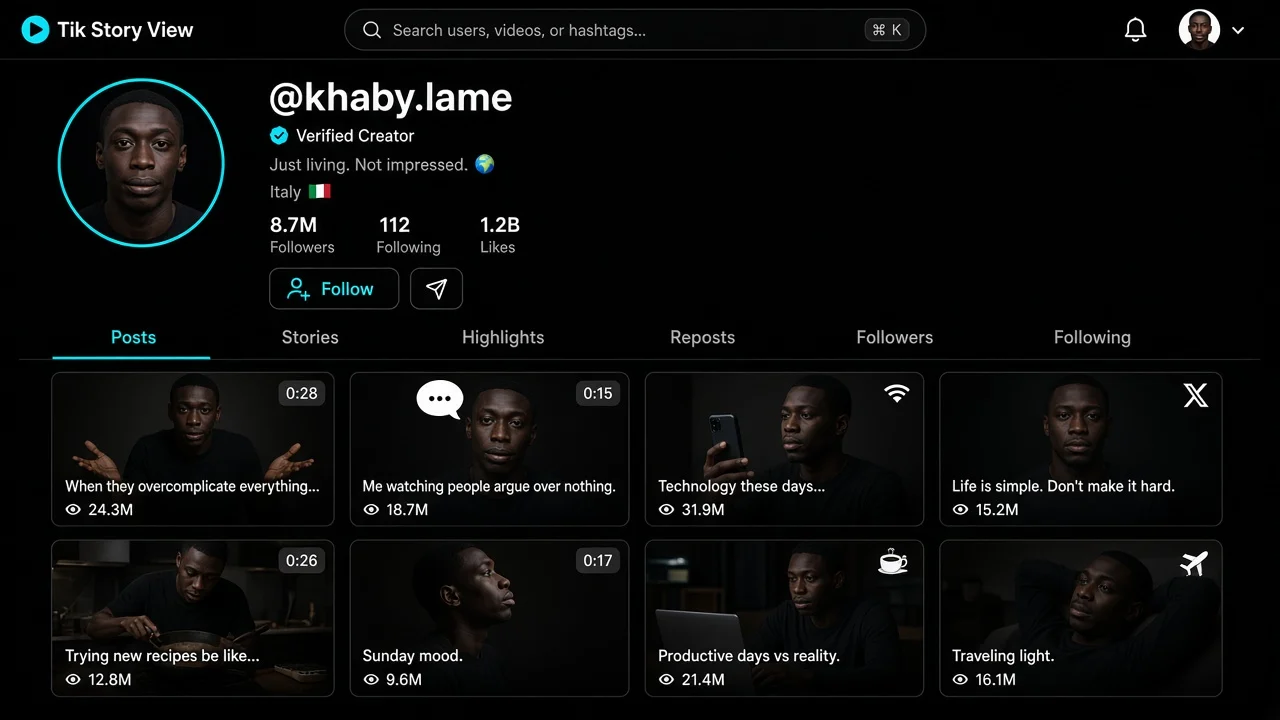
A loaded public profile is the green light. Private profiles stay unavailable.
- Open stories only if they are live
- Download public media if you need a copy while it is available
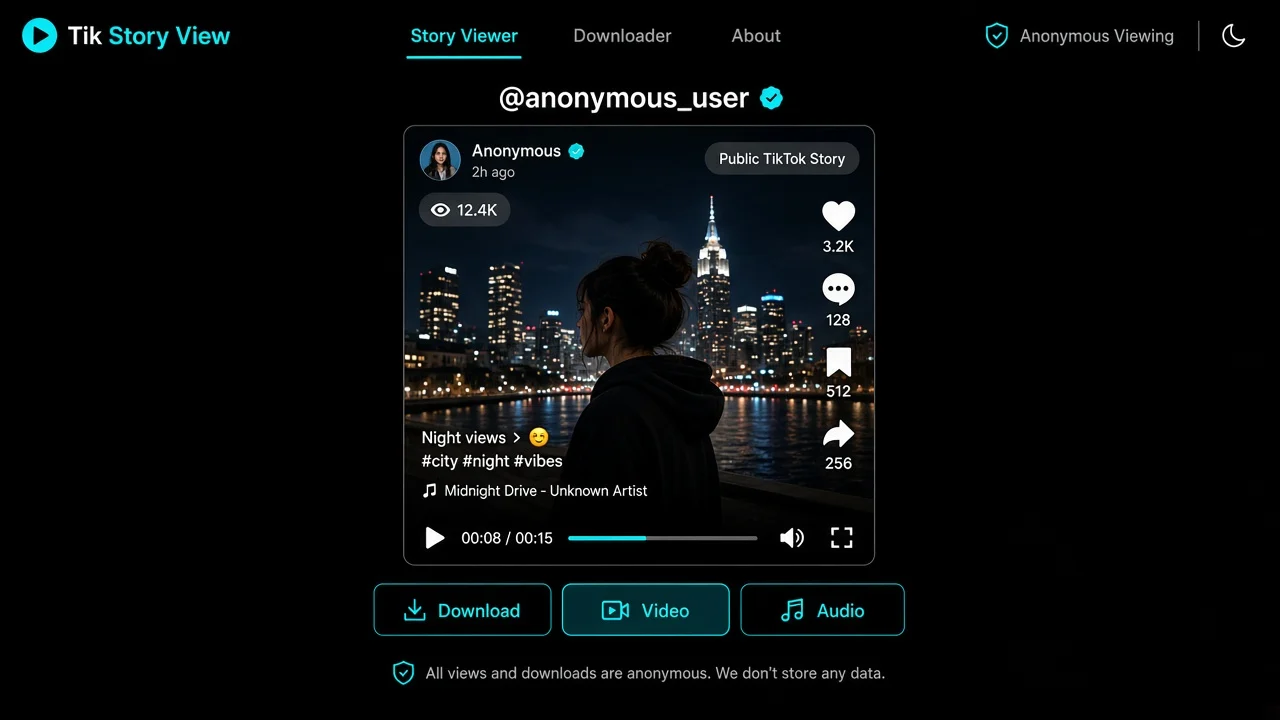
Downloads apply to public media — they are not a bypass for private stories.
Real-world scenarios
Scenario A — Public creator, live story: You paste @example, the profile loads, stories play. This is the intended path.
Scenario B — Public creator, no story ring: Profile loads, stories empty. Correct outcome. Try again later or watch feed posts instead.
Scenario C — Private creator: Lookup fails closed or shows an unavailable state. Do not chase unlock sites; send a follow request in TikTok if appropriate.
Scenario D — Wrong username: You land on a look-alike or get empty results. Fix the handle using the official profile URL.
Scenario E — Expired story: It was public this morning and gone tonight. That is expiry, not a privacy setting change.
Walking these scenarios aloud with a teammate prevents most support tickets and most scam-site clicks.
Ethics for anonymous public checks
Anonymous public viewing is for convenience and research on content that is already public. It is not permission to:
- Harass or stalk someone
- Bypass blocks or private settings
- Republish someone’s story without rights
- Trick people into handing over login credentials
If your use case needs private access, the ethical path is relationship-based: follow request, approval, official app. Anything else is outside what a responsible TikTok story viewer should offer.
How privacy settings interact with stories
Account privacy and story audience are related but not identical concepts in everyday language. A fully private account generally keeps outsiders out of the profile and its stories. A public account may still make choices about who sees certain updates inside the official app — TikTok covers per-post and Story audience options in its video visibility help article. From the outside — especially from a browser-based public viewer — the rule of thumb stays simple: if you cannot see it without special access on TikTok, a public TikTok story viewer should not claim to show it either.
That rule protects creators who chose privacy and protects users from scam sites that invent “bypass” features. When in doubt, open the official profile once. If TikTok itself requires a follow request or login wall you do not have, stop. The viewer is not the place to force entry.
Checklist before you paste a username
- Confirm the account is public on TikTok
- Confirm there is an active story (or accept an empty result)
- Use the exact
@handle or profile URL - Prefer a reputable public viewer over any “private unlock” page
- Keep downloads personal and legal
Run that checklist once and you avoid most privacy-related confusion.
Tik Story View’s approach
Tik Story View is built as a public TikTok story viewer. Enter a public handle, preview active public stories when available, and leave private spaces alone. That is the right balance for a trustworthy anonymous viewing tool.
If a competitor promises private unlocks, compare their claims against this page’s table — then leave. Public-only is not a limitation of weak engineering; it is the correct product boundary. Use the product for what it is good at: fast, honest checks of public stories while they are live.
FAQ: Public vs private TikTok stories
What public TikTok story viewers can see — and what stays private.
Can a TikTok story viewer open private stories?
No. Trustworthy tools only work with public, currently active stories. Private accounts stay unavailable.
The profile is public but I still see nothing.
Public profiles can still have zero live stories, typos in the username, or audience limits on specific shares. Check the story ring and spelling.
Is anonymous viewing allowed on public stories?
Public stories are content the creator chose to publish. A browser viewer that does not require a TikTok login on the site is a common way to preview that public content.
What about friends-only or close-friends style limits?
If a story is not publicly reachable, a browser TikTok story viewer will not display it.
Where do I read more about private unlock claims?
See our private TikTok story viewer guide for why unlock promises are unsafe and unsupported.