


How Long Do TikTok Stories Last Before They Disappear
TikTok Stories allow users to share short updates with their followers. But many users ask one simple question. How long do stories last on tiktok?
Published Updated
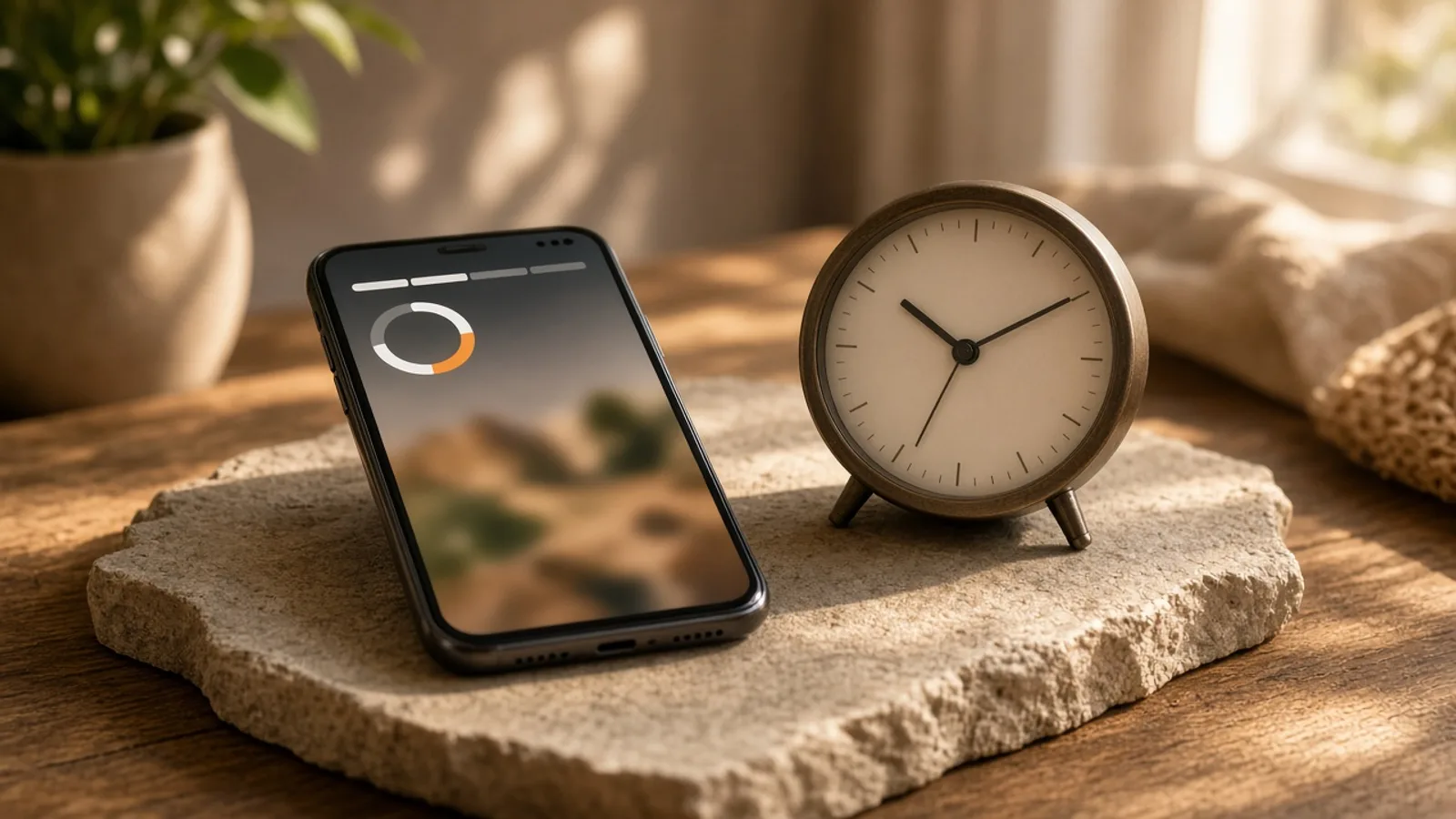
In all cases, a story stays available for about 24 hours after you post it. Then it disappears from the public story tray. That short lifespan is central to how any TikTok story viewer behaves.
However, there is more to know. In this guide, you will learn everything about TikTok Story duration.
I based this guide on TikTok's official app behavior and real testing. So, you can trust the information here. Let's take a closer look.
On this page
What Are TikTok Stories?

TikTok Stories appear as short photo or video updates in the story ring at the top of a profile.
Overview of the TikTok Story Feature
TikTok Stories are short pieces of content. They can be photos or short form videos. Unlike regular TikTok videos, Stories are temporary. This means they do not stay on your profile forever.
In short, people make stories for quick and casual sharing. You do not need to plan them like a regular video.
Why TikTok Introduced Stories
TikTok added Stories to help creators connect better with followers. Here is why this feature matters:
- It boosts engagement between creators and fans
- It allows casual, low-pressure sharing
- It helps followers feel closer to their favorite creators
As a result, Stories have become a popular way to stay active on TikTok without extra effort.
How Long Does a Story Stay on Tiktok?

The 24-hour clock starts the moment you publish. After that, TikTok removes the Story automatically.
Standard TikTok Story Duration
TikTok Stories last for exactly 24 hours, as TikTok’s Help Center explains. After this time, the system removes them automatically. So, you do not need to delete them yourself unless you want to remove them early.
When Does the Timer Start?
The countdown begins the moment you publish your Story. Importantly, it does not matter how many people view it. The timer keeps running in the background either way.
Do Stories Expire Exactly After 24 Hours?
In most cases, yes. TikTok removes Stories right after the 24-hour mark.
However, sometimes there may be a small syncing delay. This depends on your internet connection or app version. Still, this delay is usually just a few minutes at most.
What Happens After a TikTok Story Disappears?
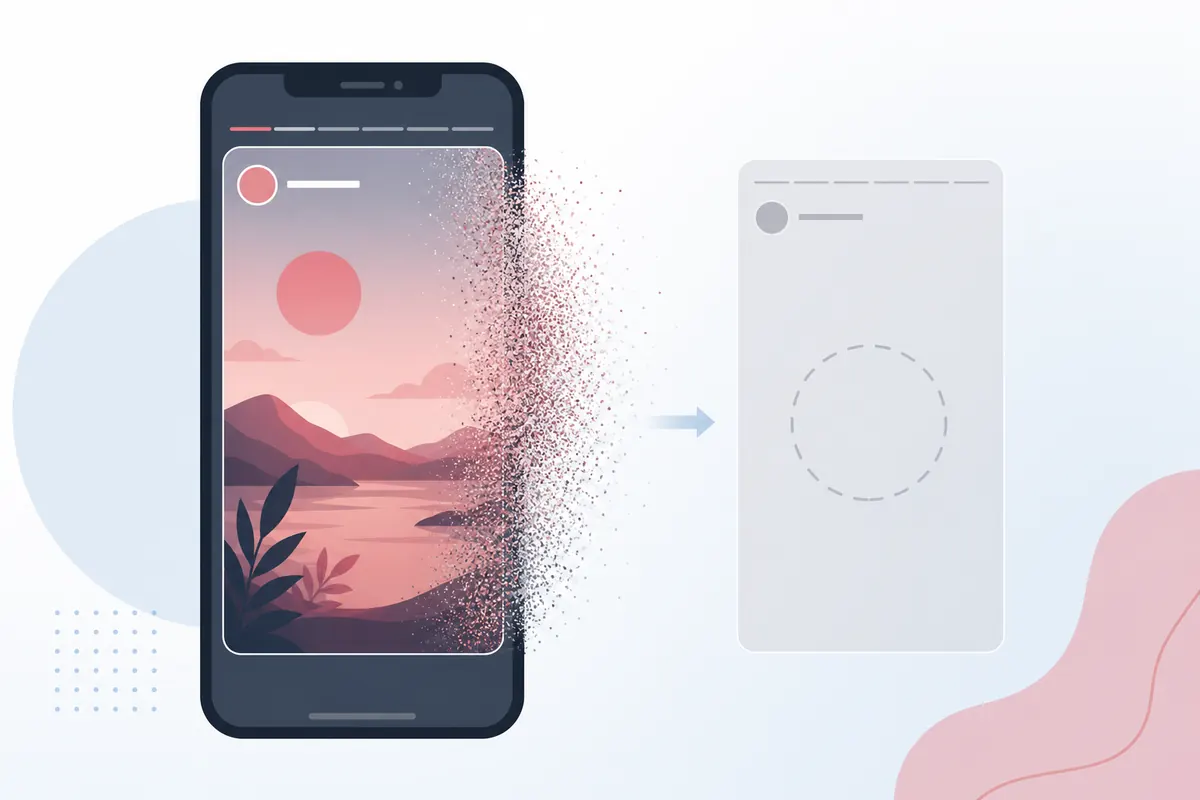
Once a Story expires, followers can no longer open it. There is no public replay unless you saved a copy.
Can Followers Still View It?
No, users cannot do this. Once a Story expires, it becomes not available to viewers. Therefore, if someone missed it, they cannot go back and watch it later.
Is It Deleted Permanently?
This depends on how you created the Story. If you downloaded the photo or video before posting, you still have a copy on your device. However, if you recorded it only inside the app, you may lose it for good.
Can You Recover an Expired Story?
Unfortunately, TikTok does not offer a built-in way to recover expired Stories. That said, there is an exception. If you saved your Story as a draft first, you can still access it later.
How to Check How Much Time Is Left on Your TikTok Story

Open your profile, tap your Story, and use the posting timestamp to estimate what is left of the 24-hour window.
Viewing Your Active Story
To check your Story, simply open your profile. Then, tap on your Story icon at the top of the screen.
Checking the Posting Time
Next, look at the small timestamp near your Story. This shows how long ago you posted it.
Knowing When It Will Expire
Finally, subtract the posting time from 24 hours. This gives you the exact time remaining before it disappears.
Can You Delete a Posted TikTok Story Before It Expires?
Yes, absolutely. You do not have to wait for it to disappear on its own. Here is a simple step-by-step guide.
Step-by-Step Guide
- Open the TikTok app
- Tap on your profile picture to view your Story
- Tap the three-dot menu icon
- Select “Delete” to remove the Story instantly
What Happens After Deleting?
Once deleted, your Story disappears immediately. Moreover, you cannot recover it afterward unless you saved a copy beforehand.
Can You Save Your TikTok Story Before It Disappears?

Save before posting for a clean backup, or download after posting from the three-dot menu while the Story is still live.
Save Before Posting
The easiest method is to save your photo or video before you post it. This way, you always have a backup on your device.
Download After Posting
You can also download your Story after posting it. To do this, simply tap the three-dot menu and choose the save option.
Save Without Watermark
To keep a clean version, save your original media file before uploading it. This avoids any watermark that TikTok might add automatically.
Who Can See Your TikTok Stories?

TikTok lets you choose who sees each Story: everyone, followers, friends, or a custom audience depending on your app version.
Privacy Settings
TikTok gives you control over your audience. You can choose from these options:
- Everyone
- Followers only
- Friends only
- Custom settings, depending on your app version
How to Change Story Privacy
To adjust your privacy, go to your settings before posting. Then, select your preferred audience. This way, you decide exactly who can see your content.
TikTok Story vs Instagram Story

Both formats last 24 hours, but TikTok favors discovery while Instagram Stories often reach closer followers.
Many users compare these two platforms. Here is a quick breakdown:
| Feature | TikTok Story | Instagram Story |
|---|---|---|
| Lifespan | 24 hours | 24 hours |
| Audience | Favors discovery | Favors close followers |
| Features | Basic stickers and tools | More sticker and poll options |
| Editing tools | Basic editing tools | Basic editing tools |
| Privacy | Custom privacy settings | Custom privacy settings |
| Engagement | Growing story engagement | Often more direct replies |
Overall, both platforms have similar formats. However, the audience behavior can be quite different.
Tips to Get More Views on TikTok Stories

Post at peak times, use captions and stickers, and share authentic behind-the-scenes moments to boost engagement.
Want more eyes on your Stories? Follow these simple tips.
Post at Peak Times
Post when your audience is most active. This increases your chances of quick views.
Use Captions
Captions help explain your content clearly. As a result, viewers stay engaged longer.
Add Stickers or Text
Stickers and text make your Story more fun and interactive.
Share Behind-the-Scenes Content
People love authentic content. So, show a bit of your daily life or process.
Stay Consistent
Posting regularly builds habit and trust with your audience.
Encourage Replies
Ask questions or invite feedback. This boosts engagement significantly.
Common TikTok Story Problems
Sometimes, things do not go as planned. Here are common issues and quick fixes.
Story Disappeared Too Early
- Check your internet connection
- Confirm the actual posting time
- Restart the app if needed
Story Not Showing
- Update your TikTok app
- Clear the app cache
- Restart your device
Story Won’t Upload
- Check your internet speed
- Reduce file size if too large
- Try again after restarting the app
Story Quality Is Poor
- Use a stable internet connection while uploading
- Avoid heavy compression before posting
Story Has No Views
- Post during peak hours
- Use engaging captions
- Share consistently to build audience habit
FAQ: How long do TikTok stories last?
Quick answers about the 24-hour window, expiry, archives, and saving Stories.
Do TikTok Stories disappear after 24 hours?
Yes, they disappear automatically after exactly 24 hours.
Can I recover an expired TikTok Story?
Generally, no. However, if saved as a draft or downloaded beforehand, you can still access it.
What is the difference between Stories of tiktok, instagram and snapchat?
TikTok favors reach, Instagram favors interaction, and Snapchat favors intimacy and fun filters.
Can I see who viewed my Story?
Yes, TikTok shows a list of viewers for your Story. See [TikTok's guide on Stories](https://support.tiktok.com/en/using-tiktok/creating-videos/tiktok-stories) for the in-app steps.
Can someone screenshot my TikTok Story?
Yes, screenshots are possible. So, be mindful of what you share.
Can I extend the life of a TikTok Story?
No, TikTok limits Stories to 24 hours, and it does not allow users to extend that time limit.
Do TikTok Stories affect the algorithm?
Stories can increase engagement and help more people see your content.
Can I archive TikTok Stories?
Yes, TikTok automatically saves past Stories in your private archive.
Can I post multiple Stories in one day?
Yes, there is no strict limit on how many Stories you post daily.
Best Practices for Using TikTok Stories
To get the most out of this feature, follow these best practices:
- Post consistently to stay visible
- Share authentic, real moments
- Use clear and high-quality visuals
- Add engaging captions to boost interaction
- Respond to viewers quickly to build connection
- Monitor your Story performance regularly
- Respect your privacy settings
Conclusion
To sum up, TikTok Stories is visible for 24 hours before they disappear. However, you can delete them earlier if needed. Likewise, you can save important content creation before it expires.
Ultimately, Stories are a great tool for quick updates and stronger audience connection. So, make the most of this feature. Just remember to check your privacy settings and save anything important before time runs out.