


No Stories Showing? TikTok Story Viewer Troubleshooting
Fix empty TikTok story viewer results: username errors, expired stories, private accounts, and network issues explained.
Published Updated
On this page
Opened a TikTok story viewer, entered a username, and saw nothing? Empty results are common — and often correct. Before you assume the tool is broken, walk this checklist. It covers the same issues people hit on Tik Story View: typos, expiry, privacy, and mixing up stories with feed posts.
Quick checklist
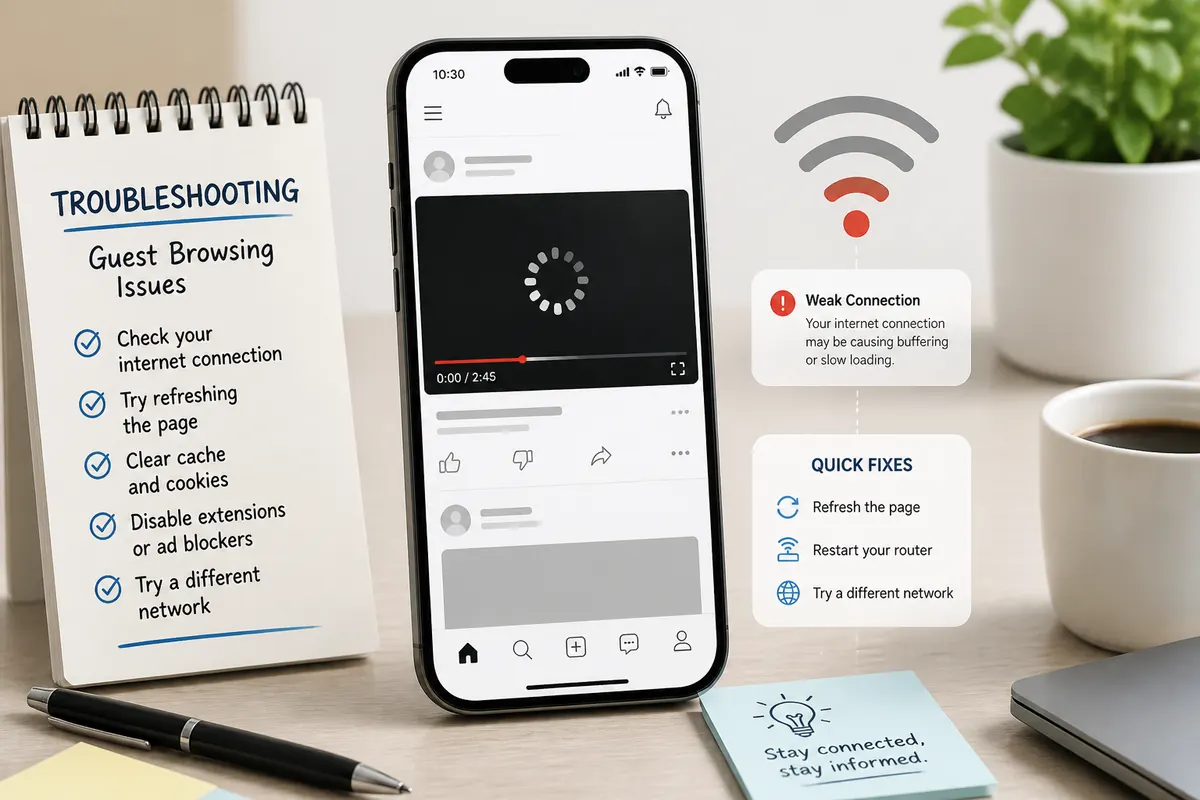
Start with spelling, public status, and whether a story is actually live — then check network and browser.
- Exact
@username (or profile URL) - Profile is public
- Creator has an active story (story ring) right now
- You are looking for stories, not only feed videos
- Stable connection + modern browser
- One clean retry after a short wait
If all six pass and TikTok itself shows no active story, “no stories” is the right answer.
Fix username and link issues
1. Confirm the username spelling
One wrong character is enough. Compare the handle with the official TikTok profile URL (tiktok.com/@username). Avoid display names — they are not unique.
2. Prefer pasting a profile link
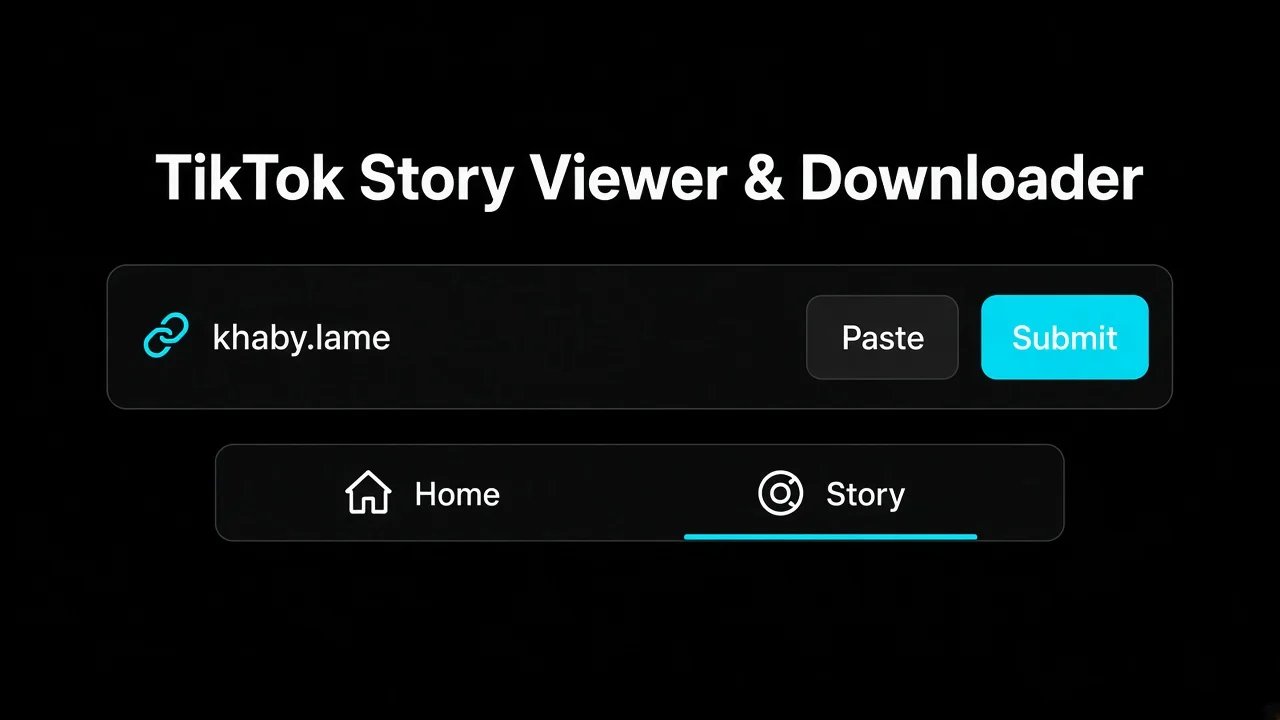
Paste a full profile URL when you are unsure of the handle; the viewer can read the username from a valid link.
On Tik Story View you can paste a TikTok profile link into the same field. That reduces transcription errors from screenshots or voice notes.
3. Skip look-alikes when you know the exact handle
If you already know the exact username, go straight to that profile instead of picking a similar name from a search list. Wrong account = empty or unrelated results.
Confirm stories are actually live
Stories expire in about a day per TikTok’s Stories help. If the official profile has no story ring, a TikTok story viewer has nothing public to show.
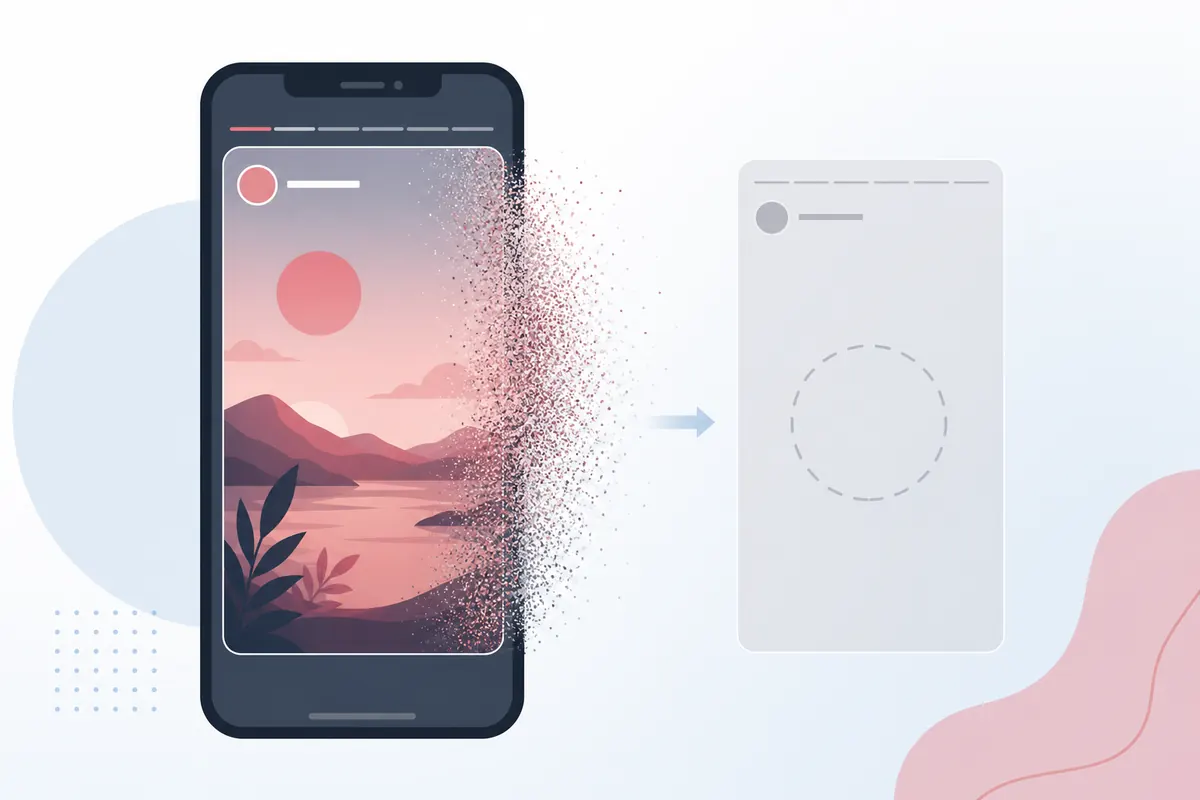
Once a story leaves the active tray, honest public viewers will not invent a replay.
Also check timing: a creator might post a story later today. Empty now does not mean empty forever — it means empty right now.
Public vs private accounts
Private accounts are unsupported. Public-only tools should fail closed, not invent access.

If the profile is private, a browser story viewer should show nothing — that is expected, not a bug.
Learn the boundary in public vs private TikTok stories. If a site claims to open private stories after you “verify” a password, treat it as a scam risk.
Stories vs feed posts
A creator can post many feed videos and still have zero active stories. Tik Story View looks for stories (and related public profile surfaces), not the full For You catalog.
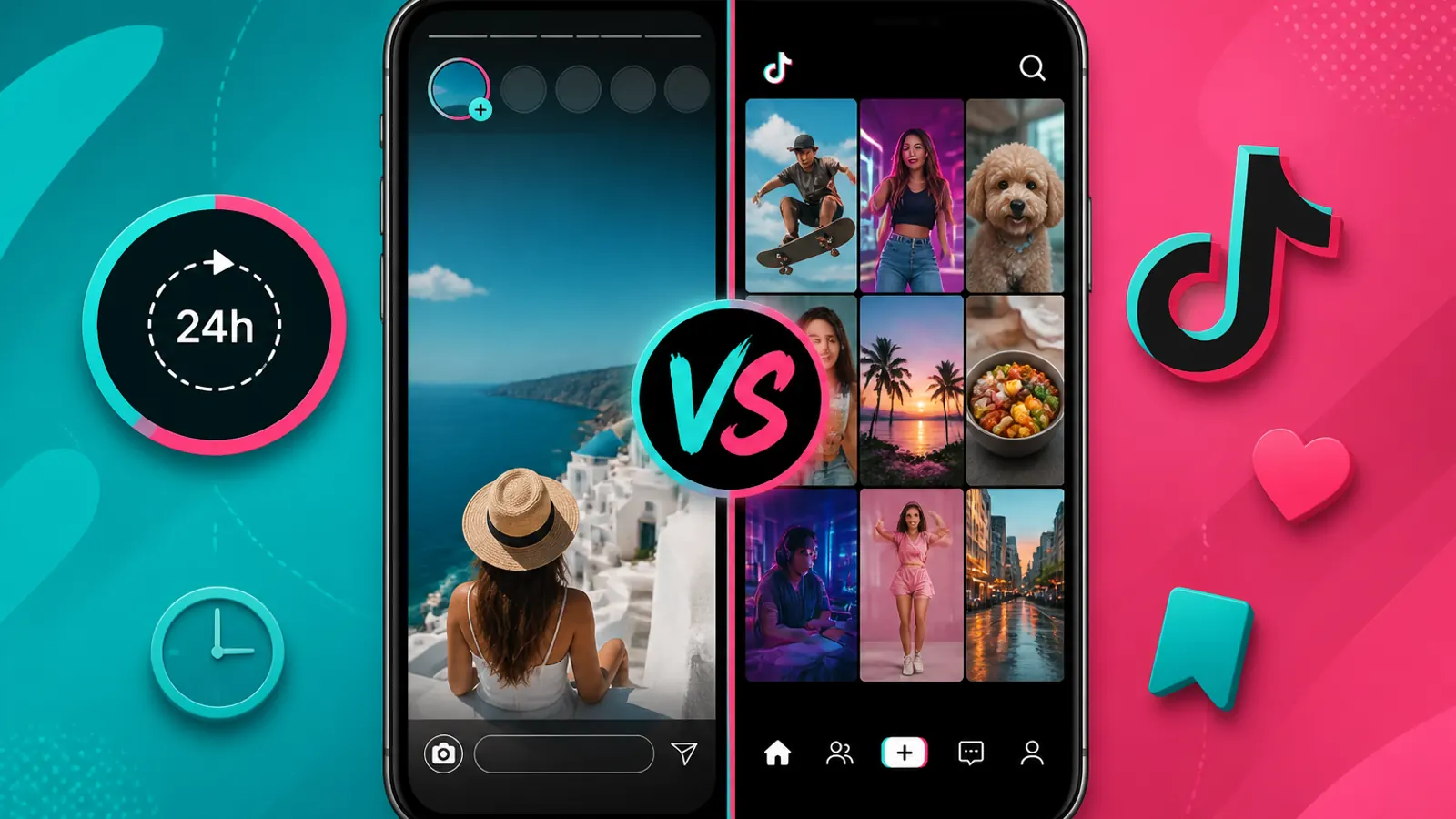
Story rings are temporary; the grid is permanent feed content. Do not expect one to prove the other exists.
Read more: TikTok stories vs feed posts.
Network and browser fixes
Retry after a short wait
Availability can lag briefly after a creator posts. Wait a moment and search again.
Refresh the viewer page
Network hiccups happen. Reload Tik Story View and try once more on Wi‑Fi or a stable mobile connection.
Update your browser
Older browsers can struggle with modern media playback. Use a current Chrome, Safari, Edge, or Firefox build. On phones, see mobile tips; on computers, see desktop tips.
Reduce aggressive blockers temporarily
Some filters block media hosts. If everything else looks correct, try a clean browser profile or disable the blocker for the viewer domain once to test.
Step-by-step recovery on Tik Story View
- Open tikstoryview.com
- Paste the profile URL or exact
@username - Open the profile and confirm it is the right person
- Check for a live story / stories tab content
- If empty, open the official TikTok profile in another tab — if there is no story ring, stop troubleshooting the viewer
- If there is a story ring on TikTok but not in the viewer, wait a minute and retry once; then try another browser
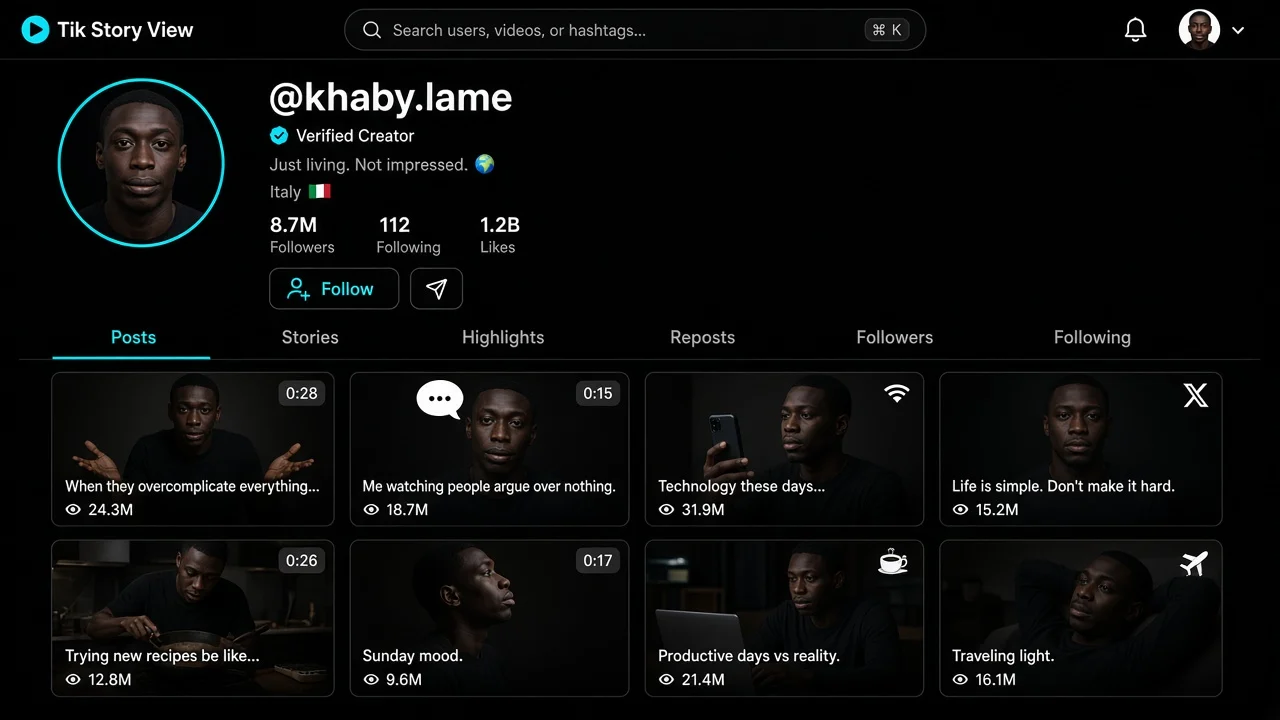
A loaded public profile means the username worked — next check whether stories are live.
Decision tree (use this in order)
- Does the official TikTok profile show a story ring?
- No → empty in the viewer is correct; wait for a new story or pick another account
- Yes → continue
- Is the account public?
- No → a public TikTok story viewer will not open it
- Yes → continue
- Did you use the exact
@username or profile URL?- No → fix spelling / paste the URL
- Yes → continue
- Are you looking at stories (not only the feed grid)?
- Feed only → empty stories can still be correct
- Stories expected → retry once on a stable network
- Still mismatched (ring on TikTok, empty in viewer)?
- Wait 1–2 minutes after the post, hard-refresh, try another browser once
- If it still fails, note the time and try again later — brief propagation delays happen
Print or bookmark this tree. Most “broken viewer” reports stop at step 1 or 3.
Regional, cache, and timing quirks
Creators sometimes post and delete quickly. CDN caches and client refreshes can lag by a short window. That is why a single retry after a minute is reasonable, but looping refresh for half an hour is not. If the story ring is gone on TikTok, stop — you are no longer troubleshooting the viewer; you are chasing an expired story.
Corporate networks and school Wi‑Fi can also interrupt media hosts. Switching to a phone hotspot for one test is a fair diagnostic. If the hotspot works and the office Wi‑Fi does not, the viewer is fine; the network policy is the constraint.
When empty is the correct answer
If the profile is public, the username is correct, and TikTok itself shows no active story, then “no stories” is accurate. A good TikTok story viewer tells you the truth instead of inventing content.
Tik Story View is designed to show clear empty and error states so you know what to do next: fix the username, wait for a new story, or try another public account. For anonymity expectations, see how to view TikTok stories anonymously. For expiry myths, see can you view expired TikTok stories. For privacy boundaries, see public vs private TikTok stories.
FAQ: No stories showing
Common reasons a TikTok story viewer shows nothing — and what to do next.
Why does the viewer say no stories when the creator posts a lot?
Feed posts are not the same as stories. A creator can post many permanent videos and still have zero active stories right now.
I typed the name correctly — still empty?
Check that you used the unique @ username, not a display name. Paste the profile URL if spelling is uncertain.
Can private accounts show stories here?
No. Public-only tools fail closed. Private profiles stay unavailable.
The story was there an hour ago.
Stories expire — usually within about a day. Once gone from TikTok’s public tray, a legitimate viewer cannot restore them.
Should I keep refreshing forever?
No. Retry once or twice on a stable connection. If TikTok itself shows no story ring, empty is correct.