


Can You View Expired TikTok Stories?
Can a TikTok story viewer show expired stories? Learn what is possible, what is not, and how to avoid misleading claims.
Published Updated

On this page
One of the most searched questions around any TikTok story viewer is whether expired stories can be opened again. The short answer for legitimate public tools is usually no — and that honesty is a feature, not a bug.
Short answer
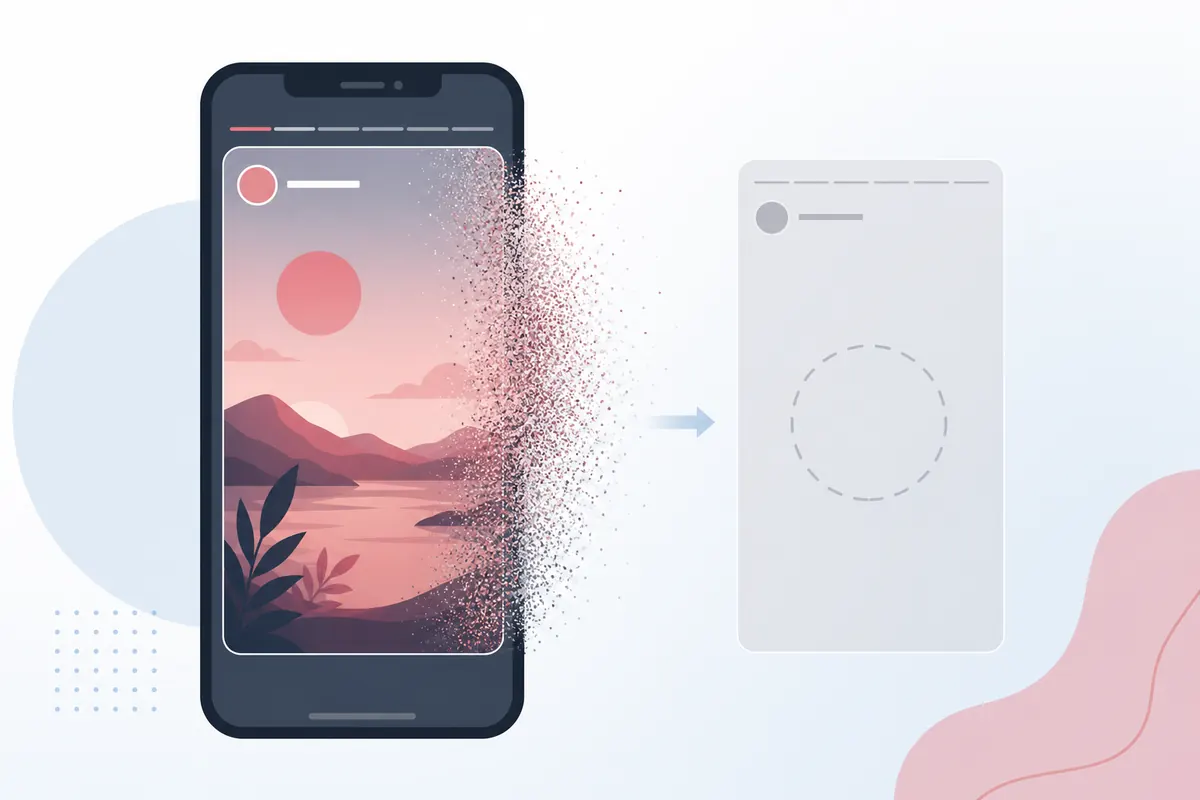
Expired stories leave the active tray. A trustworthy public viewer will not pretend they are still live.
- While a story is live and public: a browser viewer like Tik Story View can preview it
- After it expires: a standard public TikTok story viewer cannot recreate it on demand
- Private / friends-only stories: never part of a public viewer’s job
If you need the timing details, read how long do TikTok stories last.
Why stories expire
TikTok stories are intentionally temporary. After roughly 24 hours — confirmed in TikTok’s Stories help — they leave the active story tray. That design keeps the format casual and time-bound — closer to a quick update than a permanent post.

The story format is built around a short window. Plan checks while content is still live.
Creators rely on that ephemerality. Viewers should too: treat stories as a live window, not a permanent archive.
What happens after expiry
Once a story is no longer publicly available through normal channels, a standard TikTok story viewer cannot recreate it on demand. There is no official public archive that guarantees access to every past story for every user.
That means:
- Empty results after expiry are often correct
- “Try again later” only helps if the creator posts a new story
- Feed posts may still exist even when stories are gone (stories vs feed)
Why some sites claim otherwise
Aggressive marketing sometimes promises “view any story anytime.” Treat those claims carefully. They may refer to:
- Unrelated saved content or screenshots someone already kept
- Misleading demos that are not real restores
- Unsupported or unsafe methods
Password requests, paid “private unlocks,” and shady installs are especially concerning. A tool that needs your TikTok password to “recover” a story is not a story viewer — it is a risk.
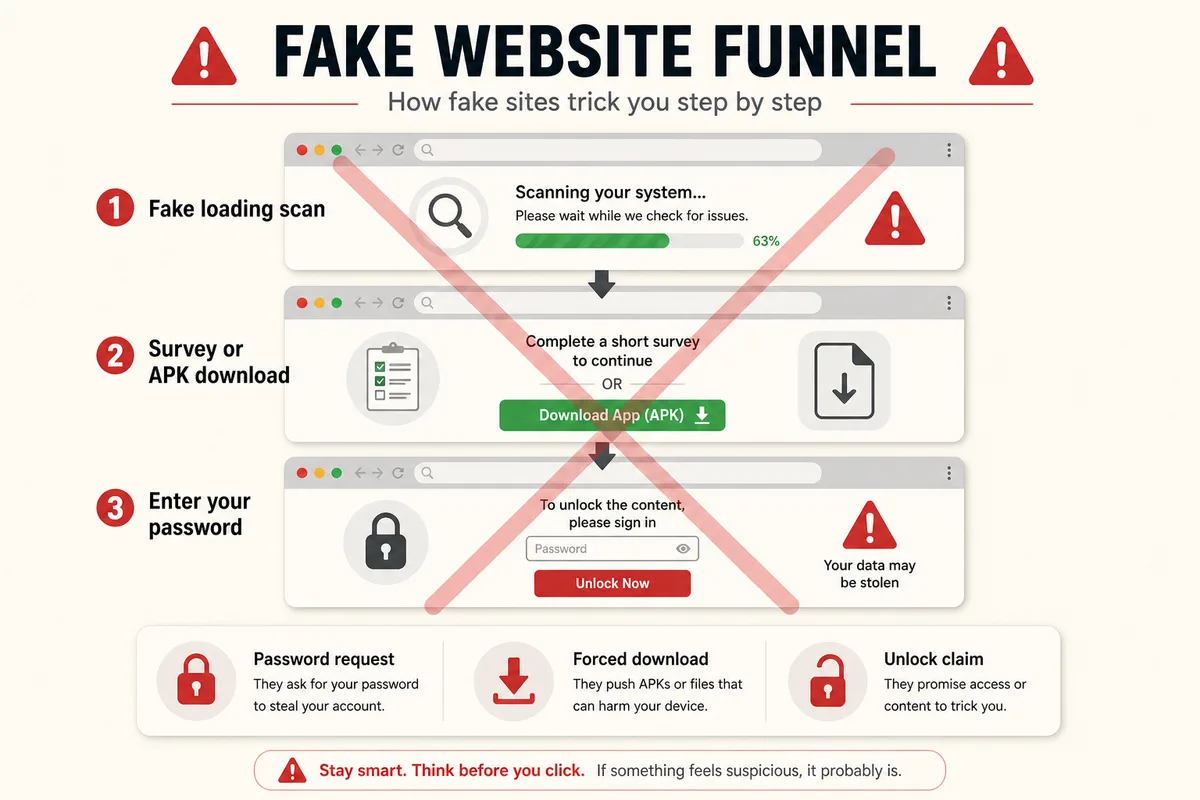
Promises to unlock expired or private stories — especially with passwords or unknown apps — are a major red flag.
What you can do instead
1. Check sooner while stories are still live

The practical fix for expiry is timing: open public stories while they are still in the window.
Use a bookmark to Tik Story View so the path is fast: username → profile → stories.
2. Download public media while it is available

If you need a personal copy of public media, download during the live window — do not expect a later restore from thin air.
On Tik Story View, open the player and use download actions when public media is available.
3. Follow creators you care about in the official app
If you want notifications and social features, the official app is the right place. A browser viewer is for quiet public checks, not a full substitute for following.
4. Look for highlights or feed reposts
Some creators move important moments into highlights or feed posts. Those are different surfaces — open them from the TikTok profile viewer when they are still public on Tik Story View.
5. Ask the creator
If something mattered, a polite ask for a feed repost is more honest than chasing “expired story unlock” sites.
How Tik Story View handles this
Tik Story View looks for currently active public stories. If a story has expired, it will not pretend the story is still there. Honesty beats false hope.
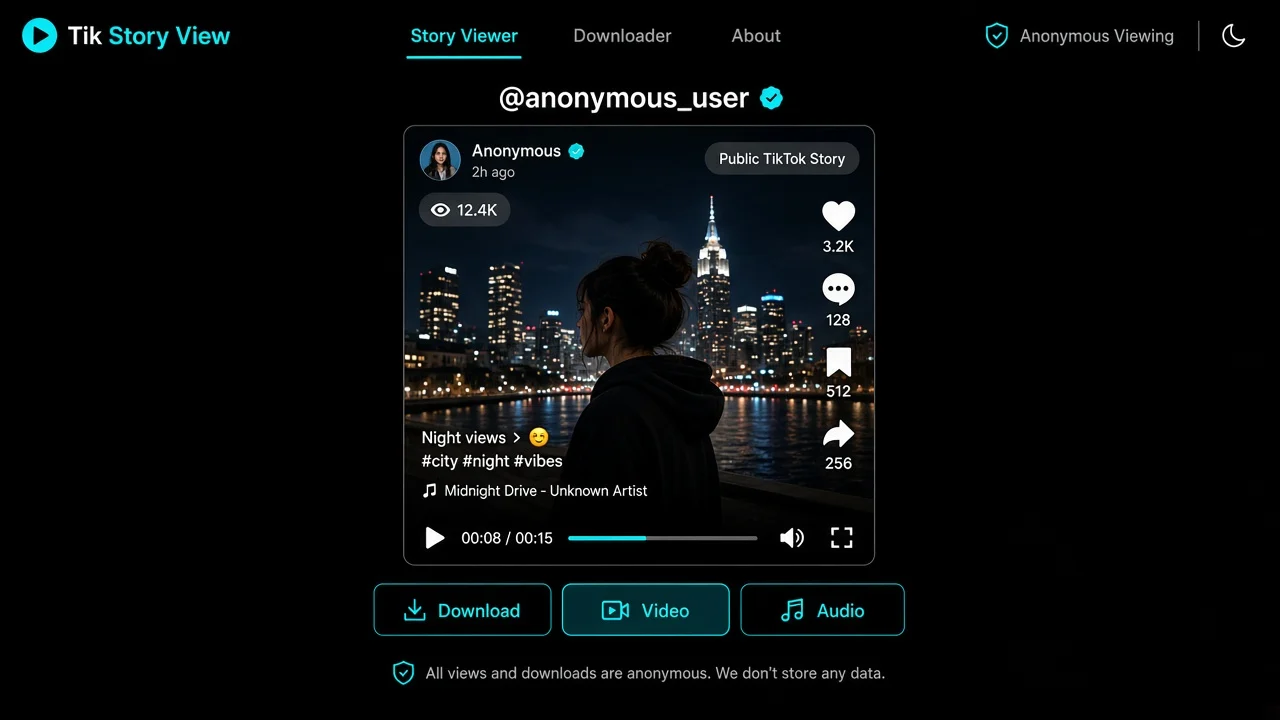
When content is still public and available, you can watch and download. When it is gone, the product stays empty on purpose.
The same philosophy applies to private content: out of scope, fail closed.
Practical workflow
- Open tikstoryview.com
- Paste a public
@username or profile link - Open the profile
- Watch live stories immediately
- Download if you need a copy before the window ends
- If empty, verify on TikTok whether a story ring still exists — if not, the story has likely expired
For anonymous viewing steps, use how to view TikTok stories anonymously. For empty-result debugging, use no stories showing troubleshooting.
Myths vs reality
| Myth | Reality |
|---|---|
| “Any viewer can reopen last week’s story.” | Public tools show live public stories, not a full history. |
| “Paying unlocks expired private stories.” | Payment pages plus password prompts are a classic scam pattern. |
| “Empty means the site is broken.” | Empty often means expired, private, or a typo. |
| “Highlights are expired stories.” | Highlights are a separate, creator-saved surface when available. |
| “Screenshots prove a site restored the story.” | A screenshot is a copy someone already had — not a TikTok restore API. |
Keep this table handy when evaluating unknown “story recovery” sites. If their landing page contradicts the left column’s myths, leave.
For creators: what expiry means for you
If you are the person posting stories, expiry works in your favor when you want casual, low-pressure updates. It also means audiences who miss the window will not see that exact story later unless you move it to a highlight or feed post. If a moment matters for branding, plan a feed follow-up or highlight — do not assume viewers can recover it from a third-party archive.
Viewers using Tik Story View are interacting with public moments you already chose to publish during the live window. That is different from someone claiming they can pull deleted or private media after the fact.
What to do instead of chasing archives
When a story is gone and you still need the information:
- Check whether the creator saved a highlight covering the same topic
- Look for a related feed post or caption they published later
- Ask the creator politely (if that is appropriate for your relationship)
- Accept that ephemeral content sometimes means the moment passed
Those options are slower than a magic restore button — and that is the point. TikTok stories are designed to be temporary. A trustworthy TikTok story viewer respects that design instead of selling you a fictional undo.
The practical takeaway
A TikTok story viewer is a live window, not a time machine. Use it when updates are fresh, keep expectations tied to public + active content, and ignore “any story anytime” marketing. That is how you get better results — and stay safer online. Check early, download only when you have a legitimate need, and treat expiry as part of the format — not as a bug in the viewer.
FAQ: Can you view expired TikTok stories?
Clear limits on expired TikTok stories and public viewers.
Can any TikTok story viewer reopen expired stories?
Legitimate public tools generally cannot. Once a story is gone from TikTok’s public tray, there is no official guarantee of restore-on-demand.
What if I saved the story earlier?
Your own lawful copy (for example a download you made while it was public) is separate from the live story tray. The viewer still cannot revive TikTok’s expired public story for everyone.
Do highlights count as expired stories?
Highlights are a different, longer-lived surface when a creator saves them. They are not the same as a regular 24-hour story that already expired.
Is “view any story anytime” a red flag?
Often yes — especially with password requests, paid unlocks for private content, or unknown app installs.
How long do stories last?
Typically about 24 hours. See our guide on how long TikTok stories last for timing details.