


How to View TikTok Stories Anonymously
Step-by-step guide to viewing TikTok stories anonymously with a TikTok story viewer: no login and no follow required.
Published Updated

On this page
Want to view TikTok stories anonymously? Inside the official app, opening a story can add your profile to the creator’s viewer list (TikTok explains Story views). That is fine when you want to be seen. It is less ideal when you are checking a public update for research, curiosity, or work and prefer not to announce every visit.
An anonymous TikTok story viewer keeps the workflow lighter: paste a public username (or profile link), preview active stories in the browser, and skip a TikTok login on that site. This guide walks through what “anonymous” really means, when a browser viewer helps, and the exact steps on Tik Story View.
What anonymous viewing means

Anonymous viewing here means no TikTok login on the viewer — not that the entire internet becomes invisible.
In this context, anonymous means:
- You are not required to log into TikTok on the viewer site
- The tool is not designed to present your TikTok profile as the viewing identity
- You can check public, currently active stories from a browser
It does not mean:
- The whole internet cannot see any activity at all
- Private accounts suddenly open
- Expired stories come back from the archive
If you want the full answer on alerts and viewer lists, read does a TikTok story viewer notify the creator. For guest browsing more broadly, see TikTok without an account.
Use anonymous viewing responsibly and only for public content. Respect creators who keep profiles private.
When to use a browser story viewer
People reach for a TikTok story viewer when:
- They want a quiet public check without mixing it into a personal TikTok login
- They are on a desktop or shared device and prefer a browser
- They manage public competitor or creator research and need a simple workflow
- They want to confirm whether a public story is live before opening the app
A browser viewer is not a hack, password cracker, or private-story bypass. Public stories are content the creator already chose to publish. Private TikTok stories stay out of scope by design — and no legitimate private TikTok story viewer can unlock them.
Step-by-step with Tik Story View
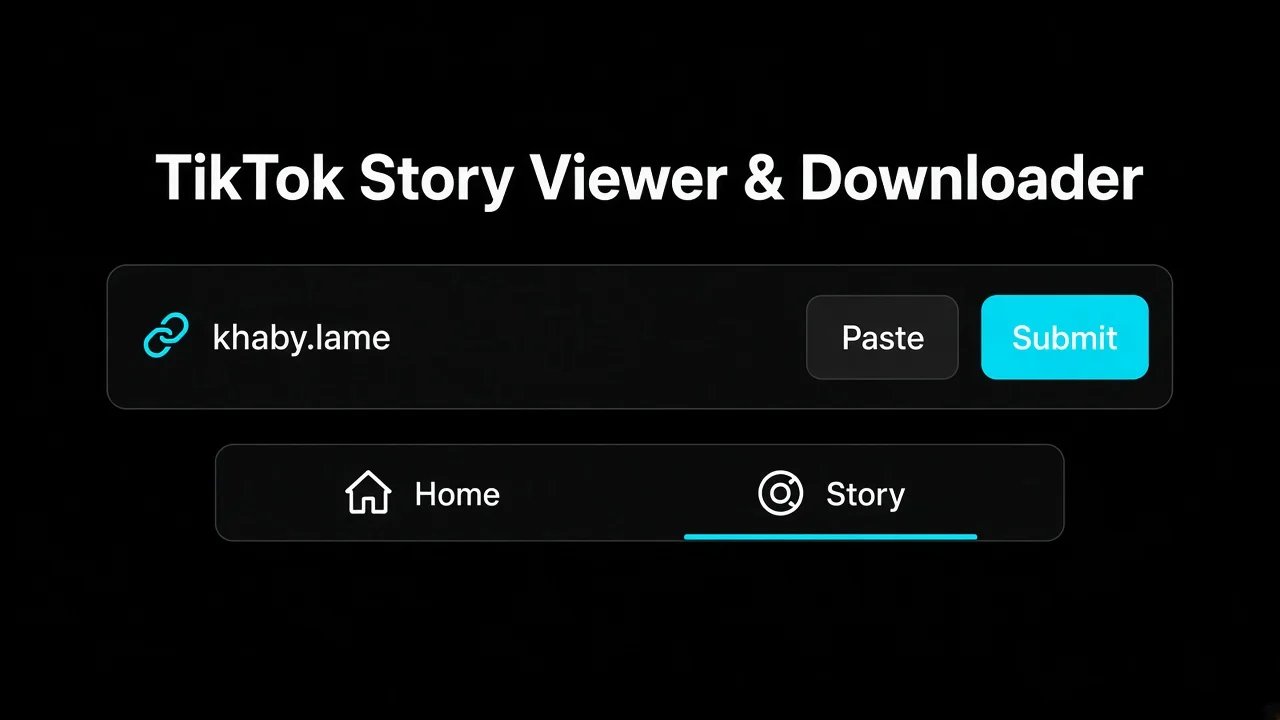
Start on the homepage: type a handle or paste a TikTok profile link, then search.
1. Open Tik Story View
Go to tikstoryview.com. You do not need to create an account on the site to use the public viewer.
2. Enter the exact public username (or paste a profile link)
Use the unique @ handle — not a display name. Display names can be shared; usernames are unique. You can also paste a full TikTok profile URL; the form will read the handle when the link is valid.
3. Open the profile
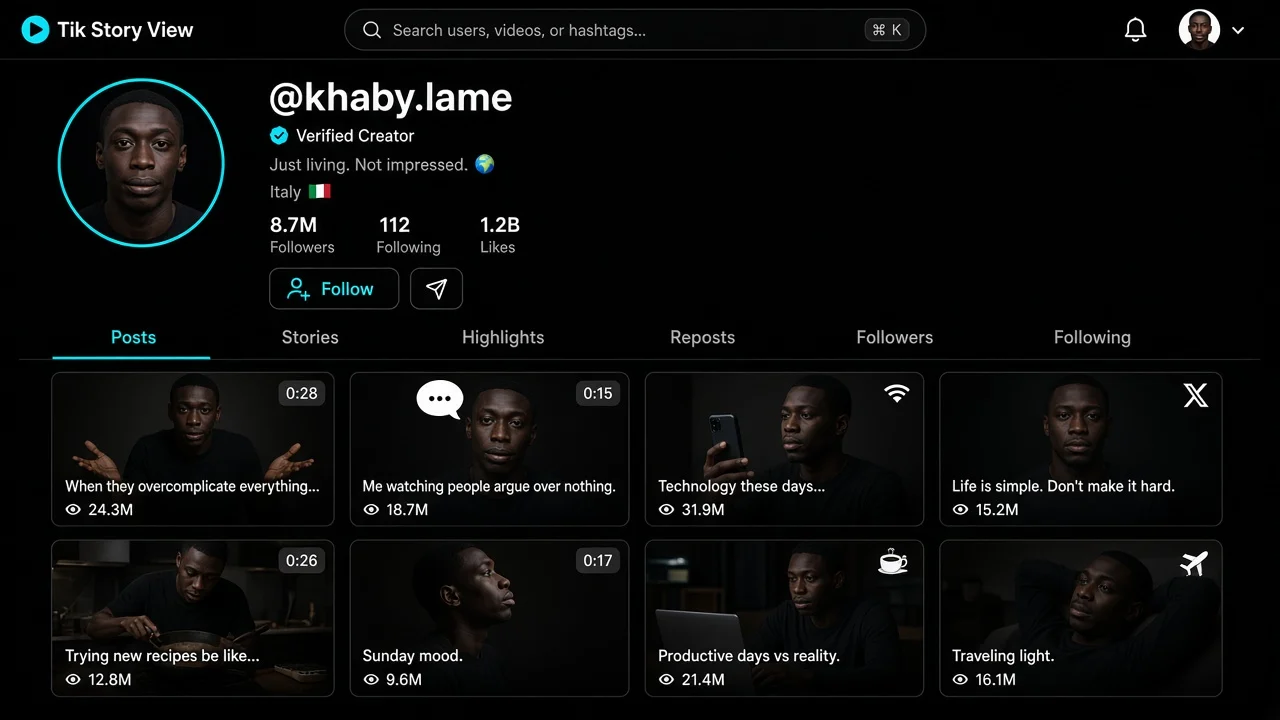
After a successful lookup, the profile page shows public stats and tabs for posts, stories, and more.
Exact handles go straight to the profile. Fuzzy names may show look-alike results so you can pick the right account.
4. Watch active public stories
If public stories are live, open them in the story-style player. Use tap or click controls to move forward and back. Remember that stories usually expire after about 24 hours.
5. Download public media when you need a copy
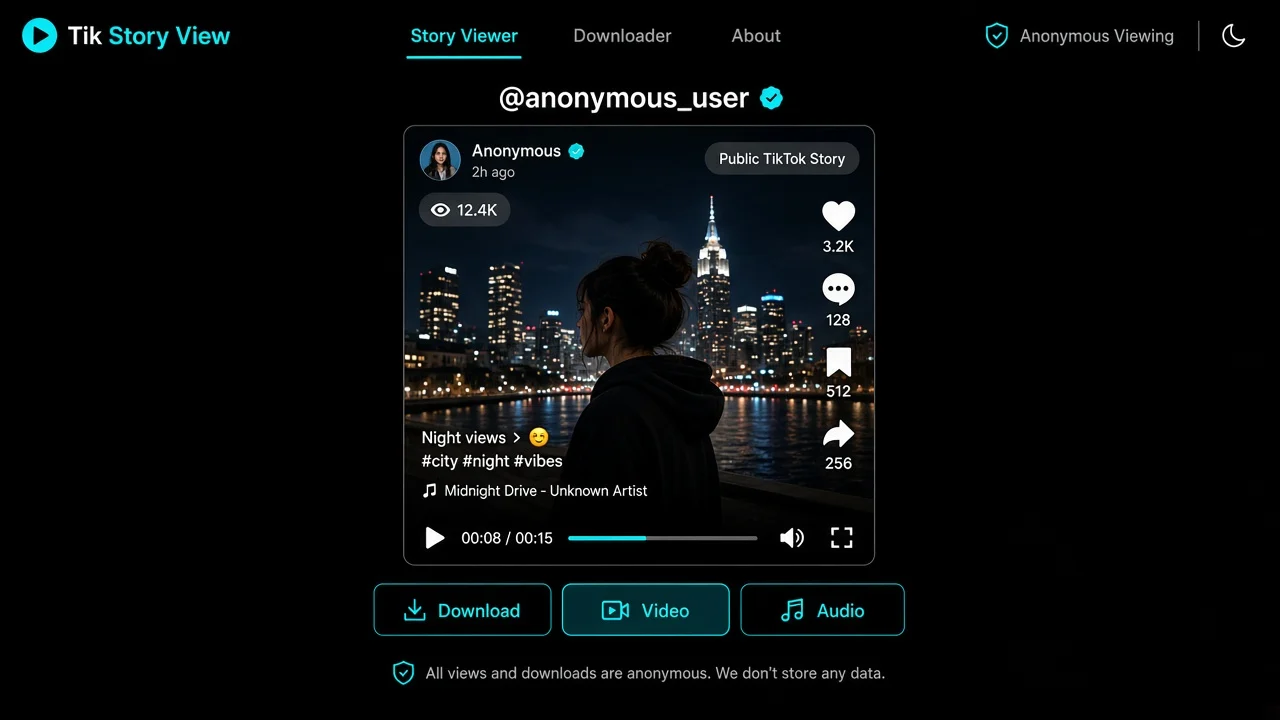
When media is available, download HD MP4, video-only, MP3, or photos from the player — still without a TikTok login on the site.
Optional: save a public clip before the story window ends. Downloads apply to public content the creator already published.
6. If nothing appears, treat empty as useful information
No live public stories, a private account, a typo, or an expired update will all look empty. See no stories showing troubleshooting before assuming the tool is broken.
Tips for better results
- Prefer the profile URL when you are unsure of spelling
- Remove accidental spaces or extra
@characters - Confirm the profile is public in the official app or site
- Check sooner — yesterday’s story may already be gone
- Distinguish stories from feed posts; a busy feed can still have zero active stories (stories vs feed posts)
- On mobile, use a current browser; see TikTok story viewer on mobile and desktop tips
Privacy, safety, and respect
Anonymous tools should never be used for harassment or stalking. If someone keeps an account private, respect that choice. A TikTok story viewer is for public stories only.
Also avoid shady “unlock any story” sites that ask for passwords, force unknown APK installs, or promise friends-only access. Those are red flags. Stick to clear, public-only tools like Tik Story View.
Common mistakes
- Using a display name instead of the username — search fails or shows the wrong person
- Expecting private stories — they will not appear
- Checking after expiry — expired stories are not restored by honest viewers
- Confusing stories with the For You feed — different formats
- Assuming empty equals broken — empty is often the correct answer
Quick comparison: app vs anonymous browser viewer
| Goal | Official TikTok app | Tik Story View |
|---|---|---|
| Watch public stories | Yes | Yes (when live) |
| TikTok login on the tool | Usually yes | Not required |
| Appears as your profile in viewer list | Often yes | Not designed to present your TikTok profile |
| Private / friends-only stories | Only if allowed | No |
| Desktop-friendly workflow | App or web login | Browser search → profile → stories |
Mobile vs desktop
On a phone, keep the browser updated and use the homepage search the same way you would on desktop. Landscape mode is optional; the story player is built for vertical media. If playback stalls, switch networks once and retry. More detail lives in TikTok story viewer on mobile.
On a computer, a large screen makes it easier to confirm you picked the correct public profile before opening stories. Keyboard users can still rely on on-screen next/previous controls in the player. See desktop TikTok story viewer tips for browser quirks and windowing advice.
Anonymous viewing vs “invisible internet”
It is easy to over-read the word anonymous. Tik Story View’s promise is practical: you do not sign into TikTok on the site, and the product is not built to stamp your TikTok profile onto a creator’s in-app viewer list. Your ISP, browser, or workplace network may still log ordinary HTTPS traffic the way they do for any website. If you need stronger operational security, that is a separate conversation from choosing a public story viewer.
Also separate: downloading public media for personal reference is not the same as republishing someone else’s story without permission. Keep copies private unless you have rights or a clear fair-use reason, and never use anonymous checks to harass people.
A repeatable research workflow
Social teams often need a calm, repeatable path:
- Collect public usernames in a spreadsheet (exact
@handles only) - Open Tik Story View and paste one handle at a time
- Note whether a story is live, empty, or the account appears private
- Download public creative only when you have a legitimate research need
- Record the date — because yesterday’s story may be gone tomorrow
That workflow beats hopping between personal accounts, and it keeps personal TikTok logins out of competitor-monitoring sessions.
Start now
Open Tik Story View, paste a public username or link, and preview active stories when they exist. Keep the workflow short: handle in, public stories out, optional download, no TikTok account required on the site.
FAQ: View TikTok stories anonymously
Straight answers about anonymous TikTok story viewing.
Does viewing stories on Tik Story View notify the creator?
Tik Story View is built so you do not log into TikTok on the site, so your TikTok profile is not presented as the viewing identity. For the full breakdown, see our notify-creator guide.
Do I need a TikTok account?
No. Paste a public username or profile link and open the viewer in your browser.
Can I view private TikTok stories anonymously?
No. Private accounts and friends-only stories stay unavailable. Legitimate tools only show public, currently active stories.
What if no stories appear?
Check the exact username, confirm the profile is public, and make sure a story is live in the last ~24 hours. Empty results are often correct.
Does anonymous mean completely untraceable?
No. It means you are not signing into TikTok through the viewer. Your browser and network still behave like normal web traffic.