


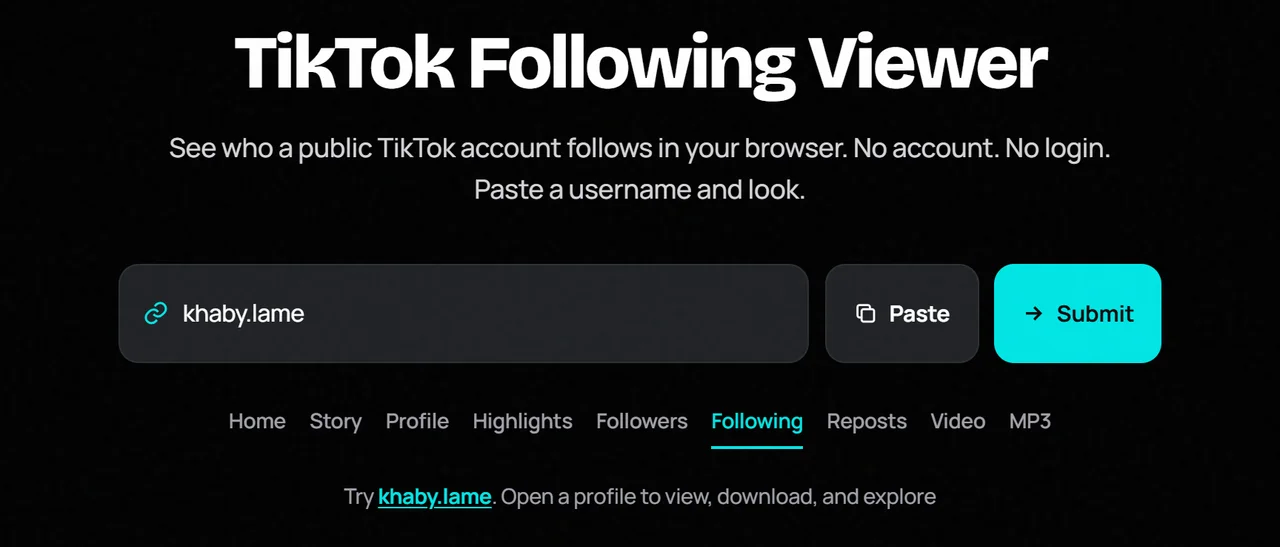
A TikTok following viewer lets you open the public following list on a TikTok profile in your browser. You do not need an account. You do not need to log in.
It helps when you want to see which creators, brands, or accounts a public profile follows — without installing TikTok or signing in.
In questa pagina
What Is a TikTok Following Viewer?
It is a web tool that shows who a public TikTok account follows when that list is available publicly. You look up the profile, then open the Following tab.
How Does a TikTok Following Viewer Work?
Paste a username or profile URL. The tool opens the public profile. Choose Following to browse accounts in that list. Only public data is used. No login is required.
What Can You See With a TikTok Following Viewer?
- Public accounts in the following list when TikTok exposes them
- Avatars, usernames, and related public labels when available
- The profile’s following count in the header stats
Availability can change. Empty lists are common when TikTok limits third-party access.
How to View TikTok Following Without Login
Step 1: Find the TikTok Username
Use the exact handle from a link or bio.
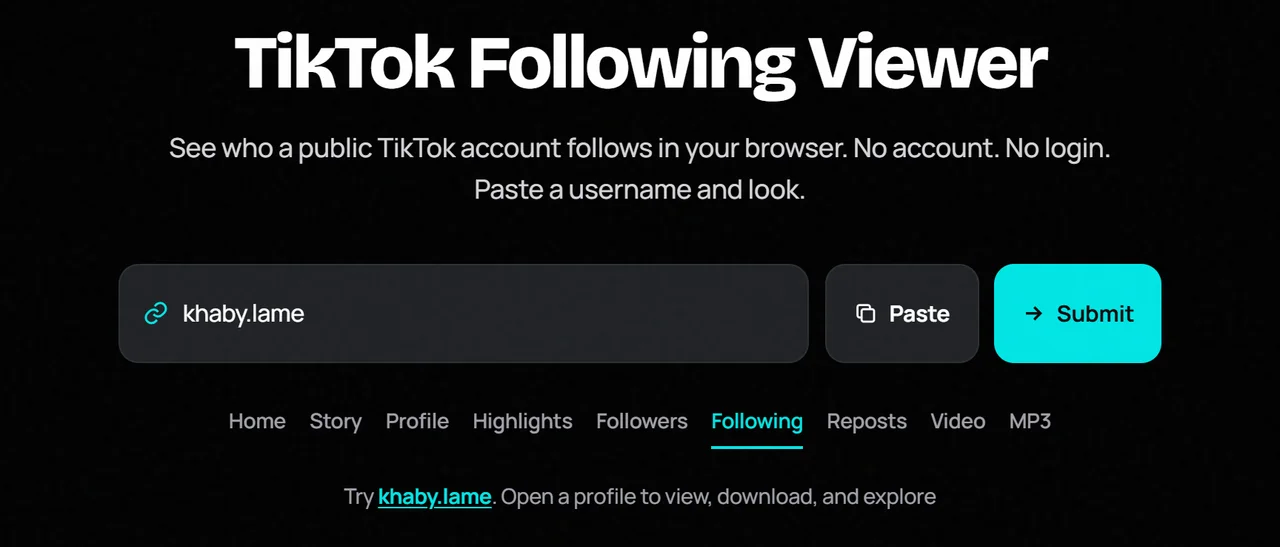
Step 2: Enter the Username or Profile Link
Paste it into the search field above.
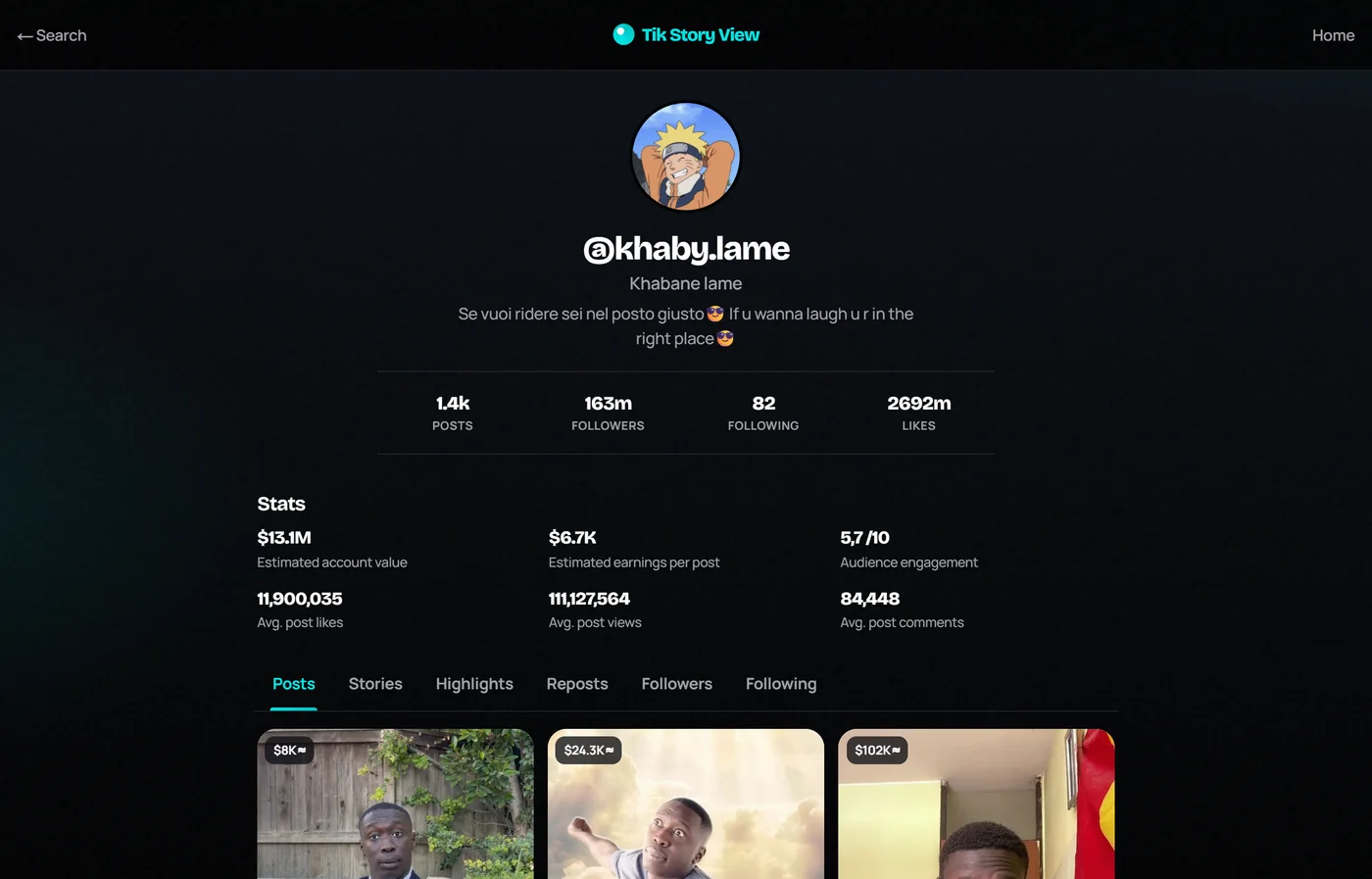
Step 3: Open the Profile
Submit the search and wait for the profile to load.
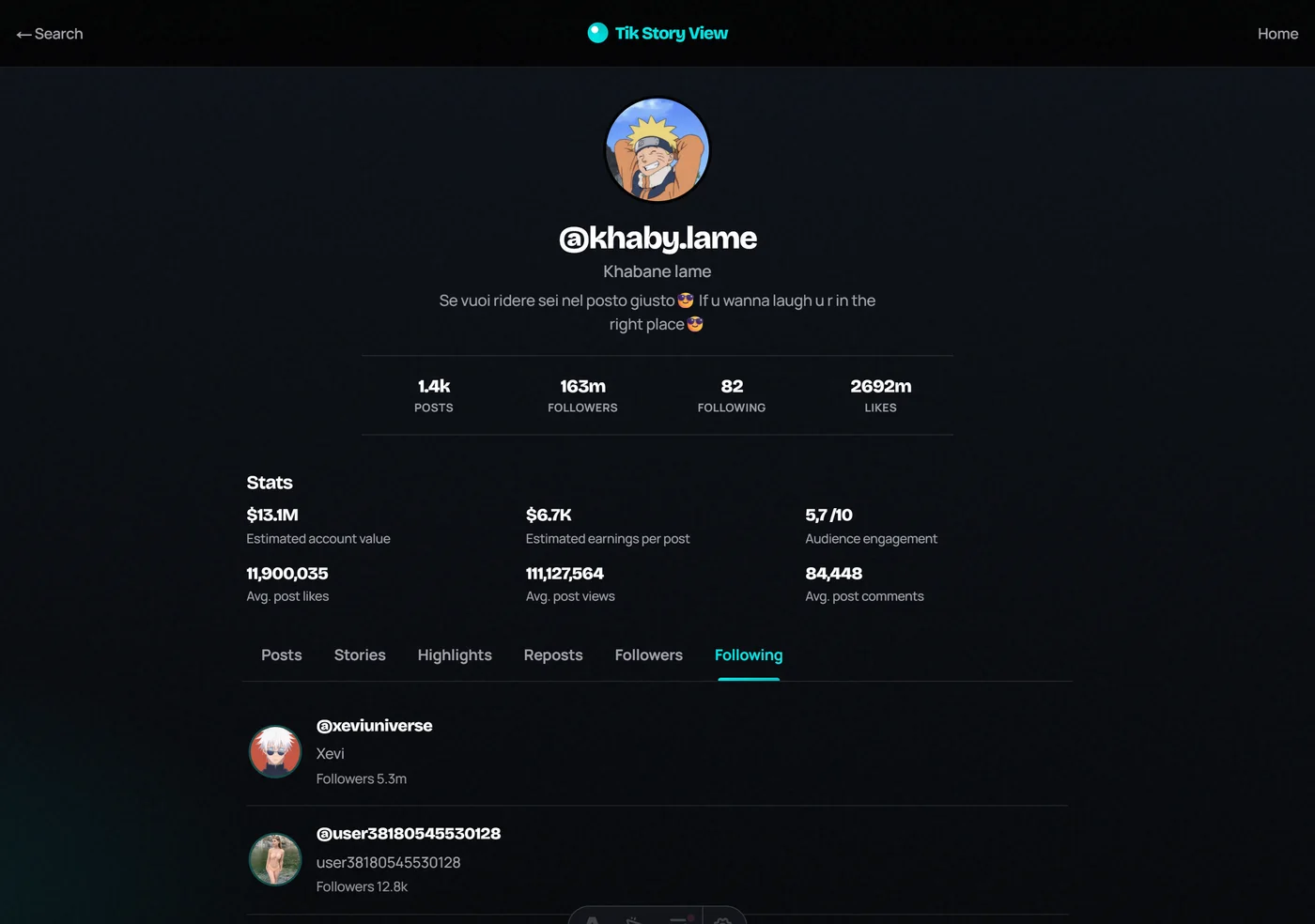
Step 4: Open the Following Tab
Select Following and review the public list.
What Can You Do With Our TikTok Following Viewer?
On Tik Story View, Following sits beside Followers, Posts, Highlights, and Reposts on one public profile page. One search unlocks those public tabs together.
TikTok Following Viewer vs TikTok App
| Feature | Following Viewer | TikTok App |
|---|---|---|
| View public following | When exposed | Yes |
| Login required | No | Usually yes |
| Private accounts | No | Only with access |
| App install | No | Yes |
Benefits of Using a TikTok Following Viewer
- Fast competitor and creator research
- No app install
- Works on desktop and mobile
- Public-only boundaries stay clear
Is It Safe to Use a TikTok Following Viewer?
Stay on trusted sites. Never type your TikTok password. Skip survey walls and unknown APKs.
TikTok Following Viewer Not Working? Common Problems and Fixes
- Recheck the username.
- Confirm the account is public.
- Wait a minute and refresh.
- Try another browser.
- Accept temporary empty lists from TikTok limits.
Final Thoughts
A TikTok following viewer makes public following lists easy to open in a browser. Paste a username, open Following, and browse what is already public.