


A TikTok highlights viewer lets you open public highlight collections from a TikTok profile in your browser. You do not need an account. You do not need to log in.
Highlights are saved story collections on a profile. When they are public, you can browse them quietly for research, brand checks, or catching up — without installing the TikTok app.
En esta página
What Is a TikTok Highlights Viewer?
It is a web tool that shows public highlight albums from a TikTok profile. Creators save Stories into highlights so they stay on the profile longer than 24 hours. When those collections are public, a viewer can open them in your browser.
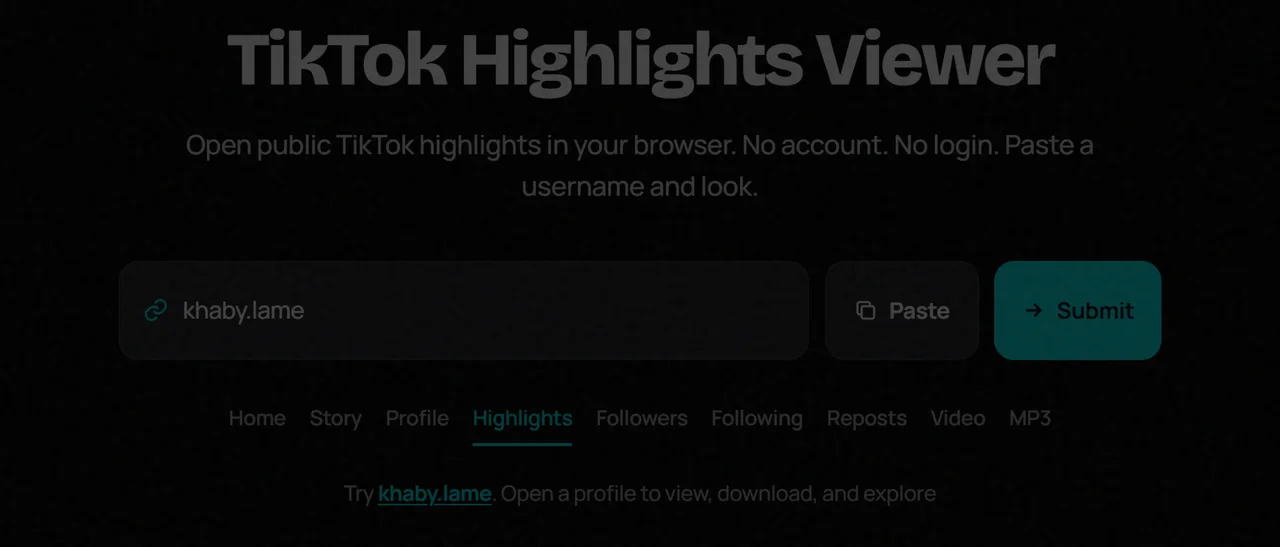
How Does a TikTok Highlights Viewer Work?
You enter a public username or profile link. The tool opens the public profile, then you switch to the Highlights tab. From there you can browse available highlight covers and items TikTok exposes publicly.
The tool never needs your TikTok password. If a site asks for one, leave.
What Can You See With a TikTok Highlights Viewer?
- Public highlight covers and titles when the account has them
- Highlight media that TikTok makes available without login
- The same public profile chrome: avatar, bio, and counts
If a profile has no highlights, or TikTok hides them, the tab will look empty. That is normal.
How to View TikTok Highlights Without Login
Step 1: Find the TikTok Username
Get the exact @username from a link, bio, or website. Spelling matters.
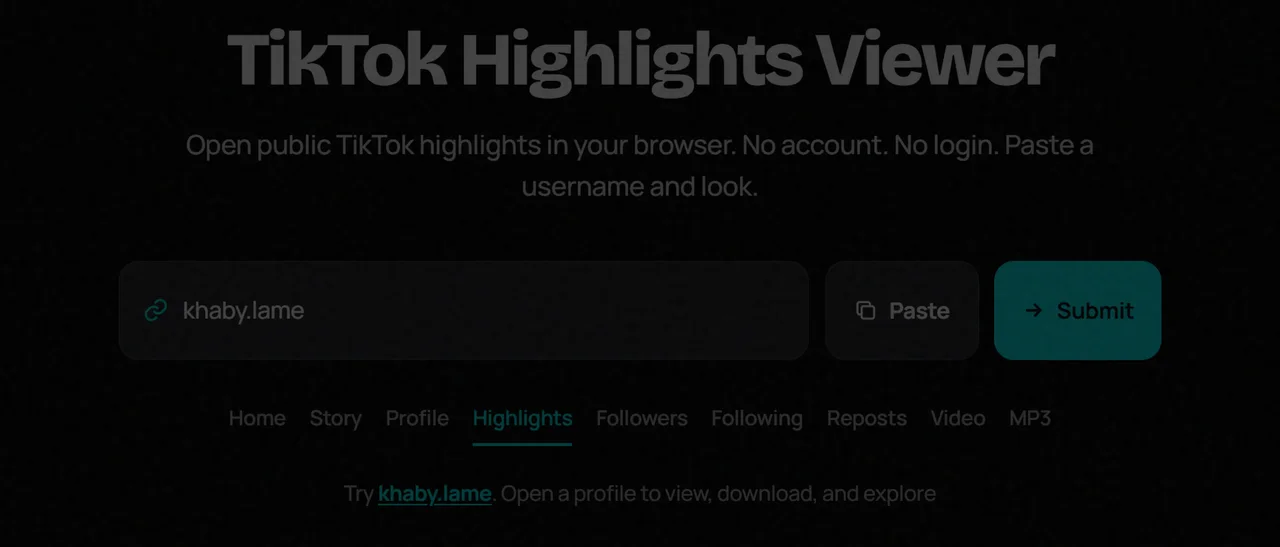
Step 2: Enter the Username or Profile Link
Paste it into the search box above. A full TikTok profile URL also works.
Step 3: Open the Profile
Submit the search. The public profile loads in a few seconds.
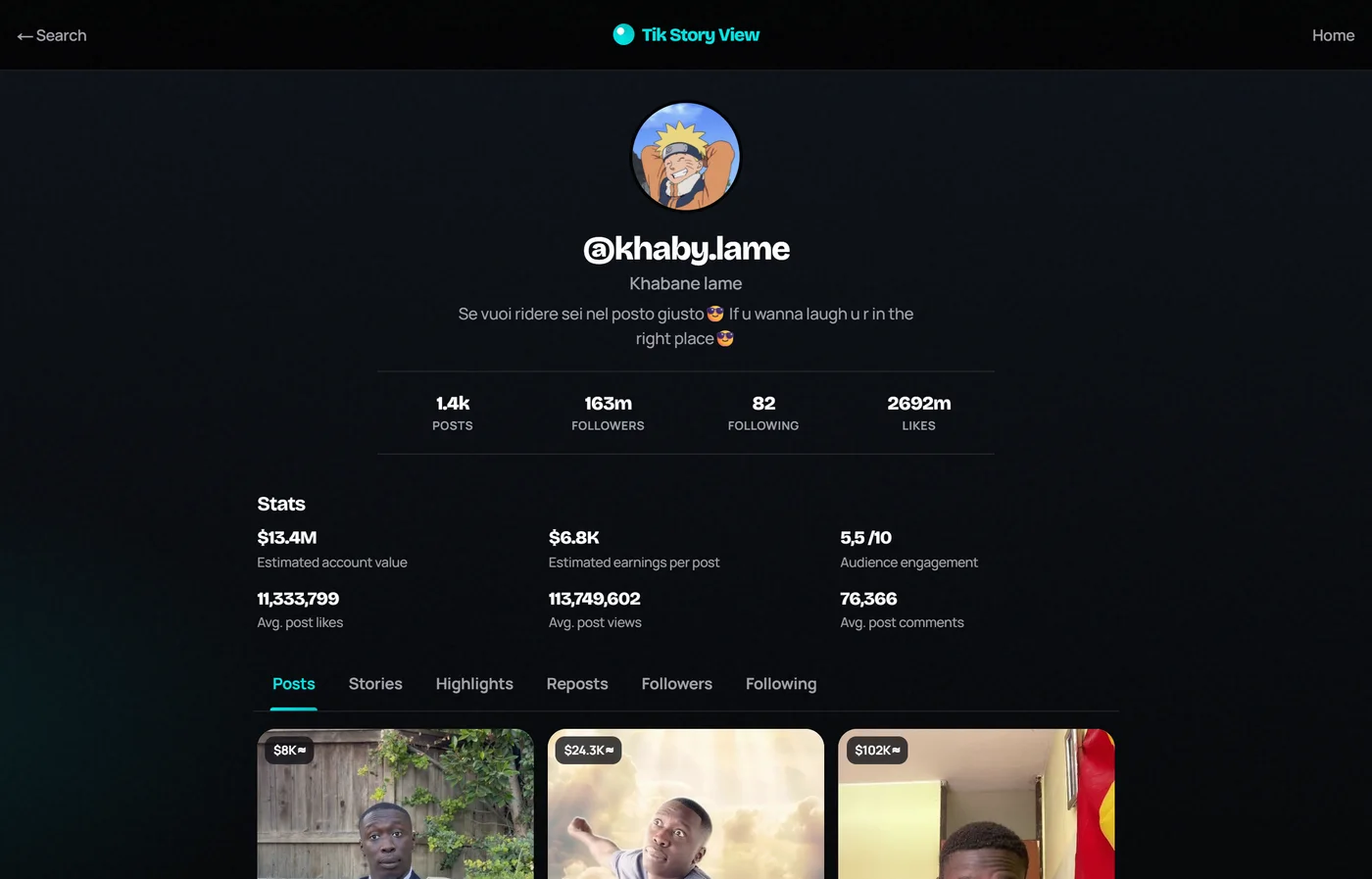
Step 4: Open the Highlights Tab
Select Highlights. Browse the collections that are public. If nothing appears, the account may not have highlights right now.

What Can You Do With Our TikTok Highlights Viewer?
On Tik Story View you can look up a public profile once, then move between Posts, Stories, Highlights, Reposts, and lists without installing the app. Highlights sit next to those other public tools in one place.
TikTok Highlights Viewer vs TikTok App
| Feature | Highlights Viewer | TikTok App |
|---|---|---|
| View public highlights | Yes, when exposed | Yes |
| Requires TikTok login | No | Often yes for full use |
| Private highlights | No | Only with access |
| Install an app | No | Yes |
Benefits of Using a TikTok Highlights Viewer
- Fast checks on desktop or phone
- No account switching
- Useful for brand and creator research
- Stays limited to public data
Is It Safe to Use a TikTok Highlights Viewer?
Choose a trusted site. Never enter your TikTok password. Do not install unknown files. Public viewers only need a username.
TikTok Highlights Viewer Not Working? Common Problems and Fixes
- Confirm the username spelling.
- Make sure the account is public.
- Refresh and try again in a few minutes.
- Try another browser or clear cache.
- Remember: no highlights means an empty tab, not always a broken tool.
Final Thoughts
A TikTok highlights viewer is a simple way to open public highlight collections in the browser. Paste a username, open Highlights, and browse what is already public — without a login or an app install.