


A TikTok repost viewer lets you open the public Reposts tab on a TikTok profile in your browser. You do not need an account. You do not need to log in.
Reposts show what a creator reshared. That is useful for research, trend checks, and understanding taste — without the TikTok app.
Auf dieser Seite
What Is a TikTok Repost Viewer?
It is a browser tool that shows videos a public TikTok account has reshared. You open the profile, then use the Reposts tab.
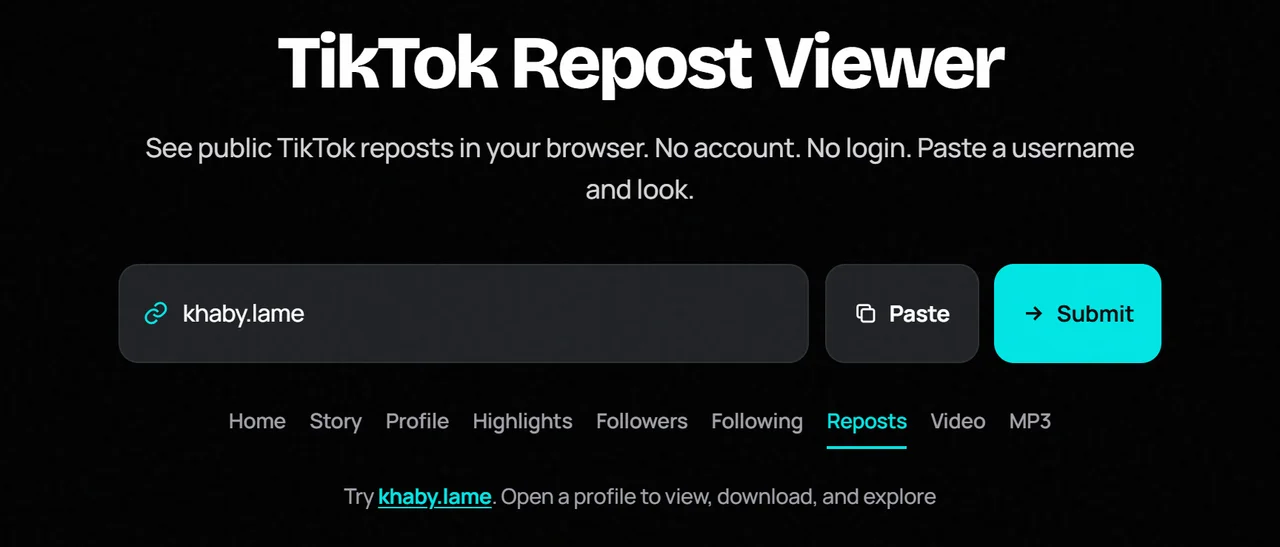
How Does a TikTok Repost Viewer Work?
Enter a public username or profile link. After the profile loads, open Reposts. The tool lists public reshared posts TikTok exposes. No password is needed.
What Can You See With a TikTok Repost Viewer?
- Public repost thumbnails and titles when available
- Quick access to open or download public media from those posts
- The same public profile header and other tabs
Not every account reposts. An empty tab often means there is nothing public to show.
How to View TikTok Reposts Without Login
Step 1: Find the TikTok Username
Copy the exact @username.
Step 2: Enter the Username or Profile Link
Paste it into the search box above.
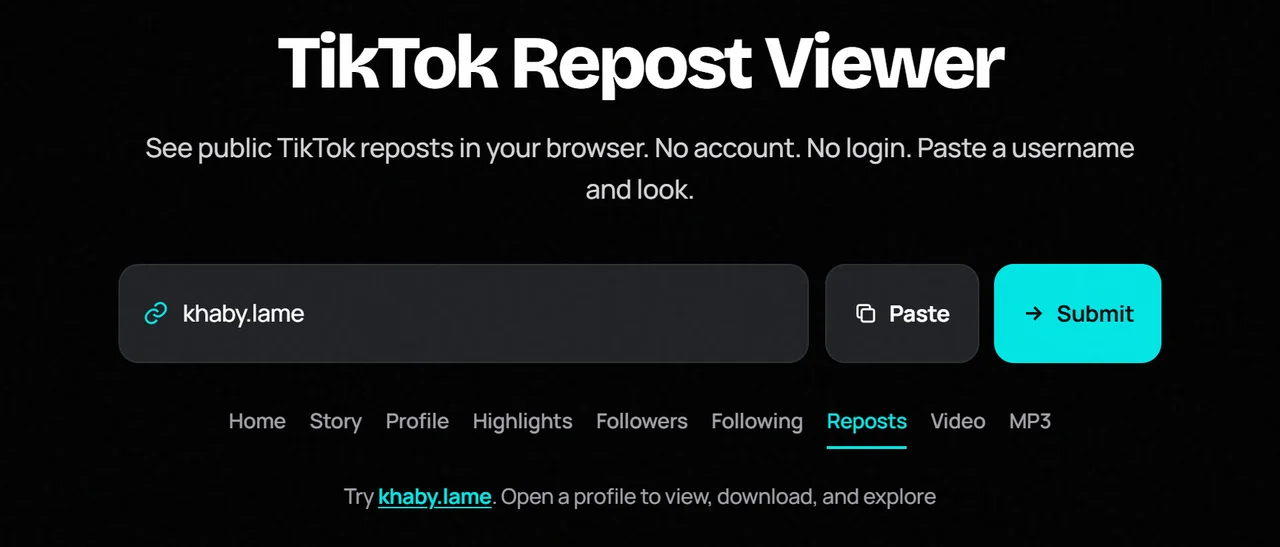
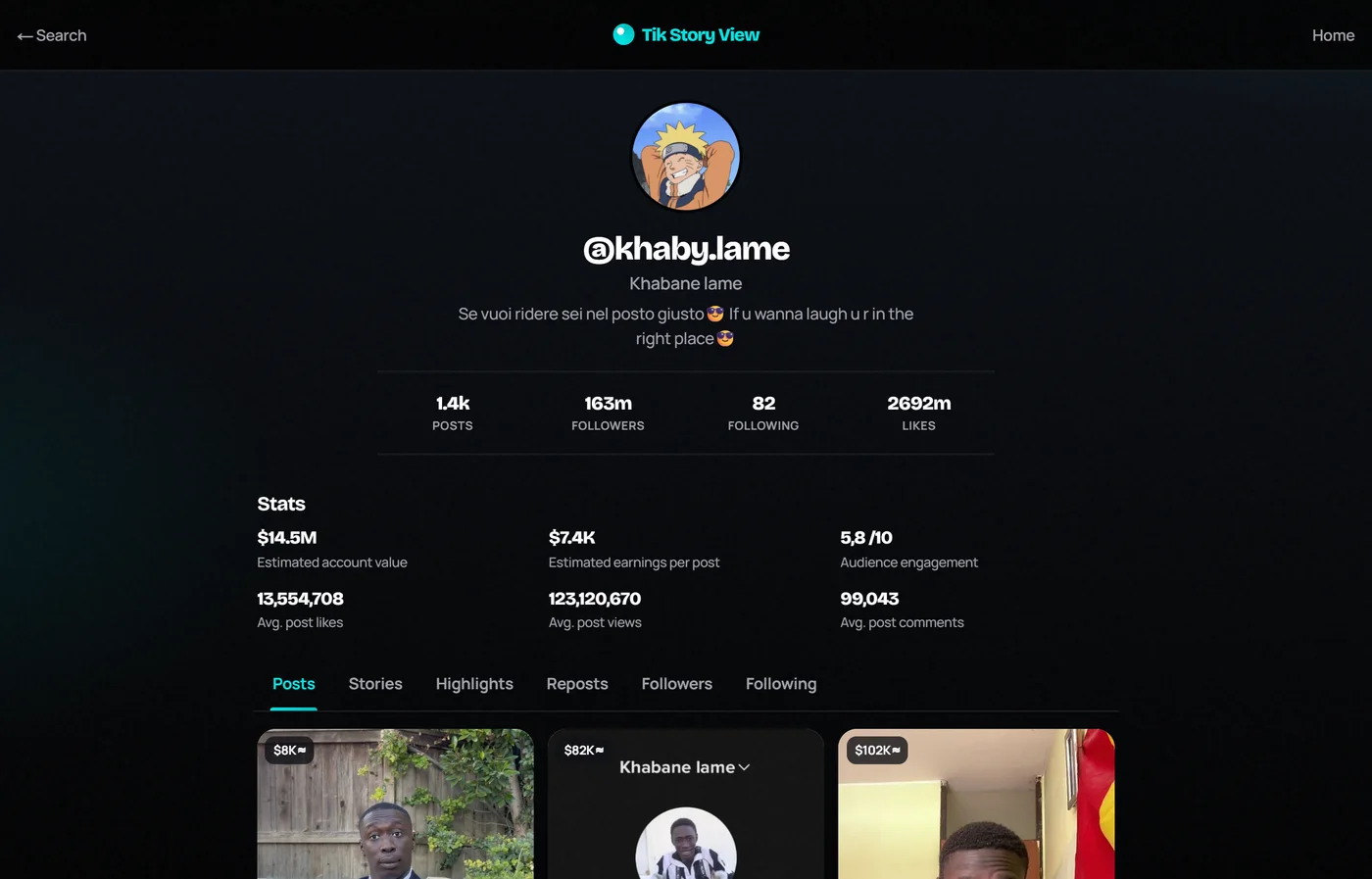
Step 3: Open the Profile
Submit and wait for the public profile.
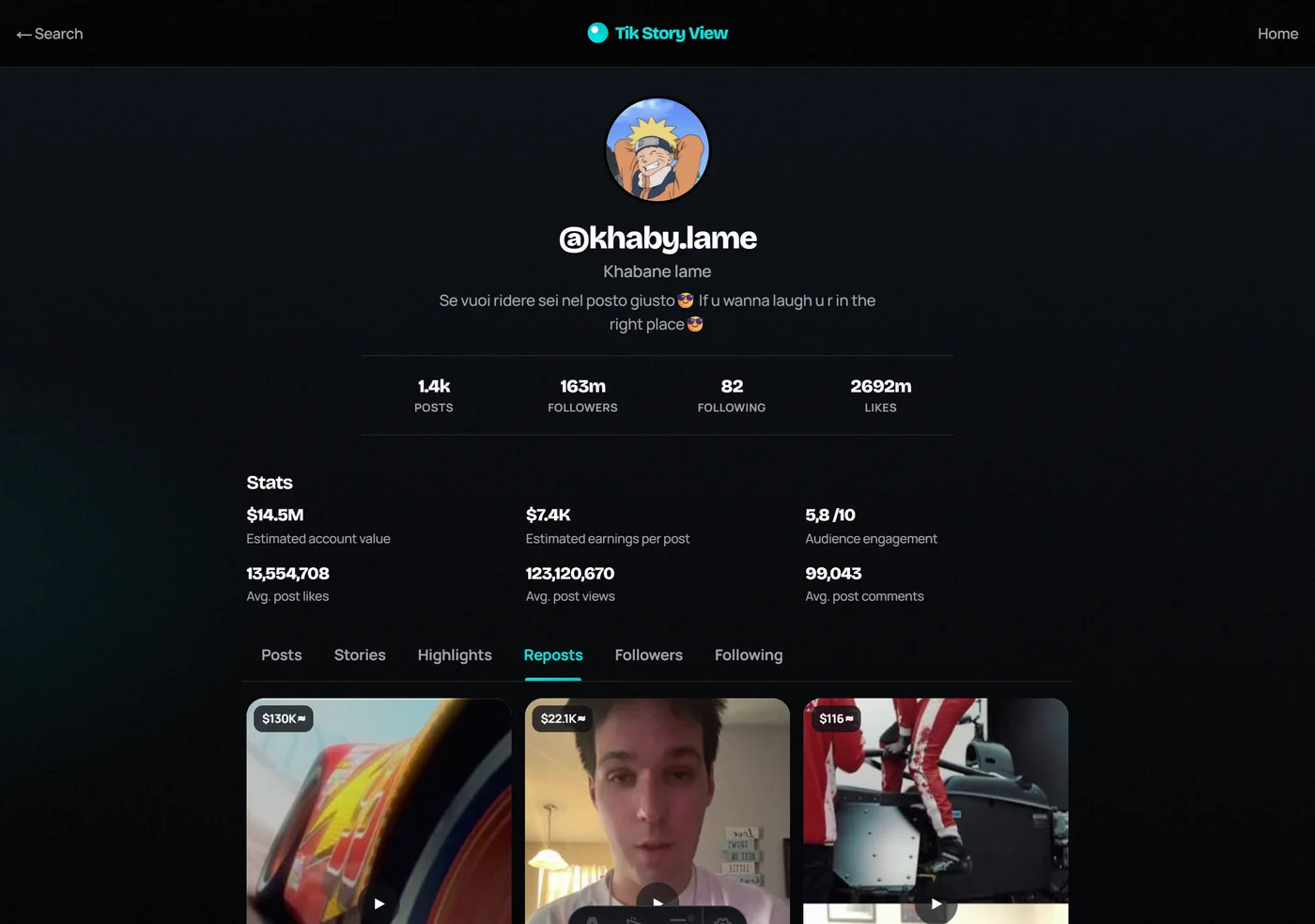
Step 4: Open the Reposts Tab
Select Reposts and browse reshared public posts.
What Can You Do With Our TikTok Repost Viewer?
Tik Story View keeps Reposts with Posts, Highlights, and lists on one public profile. You can jump between tabs after a single lookup.
TikTok Repost Viewer vs TikTok App
| Feature | Repost Viewer | TikTok App |
|---|---|---|
| View public reposts | When exposed | Yes |
| Login required | No | Often yes |
| Private content | No | Only with access |
| App install | No | Yes |
Benefits of Using a TikTok Repost Viewer
- See what creators amplify
- Fast browser workflow
- No account required
- Honest public-only limits
Is It Safe to Use a TikTok Repost Viewer?
Yes on trusted sites that never ask for TikTok passwords. Avoid fake “unlock private reposts” claims.
TikTok Repost Viewer Not Working? Common Problems and Fixes
- Verify the username.
- Confirm the profile is public.
- Refresh after a short wait.
- Try another browser.
- Remember empty reposts can be normal.
Final Thoughts
A TikTok repost viewer helps you review public reshared posts in the browser. Paste a username, open Reposts, and browse what is already public.