


A TikTok video downloader lets you save public TikTok videos from the browser. You do not need an account. You do not need to log in.
On Tik Story View you can open a public profile, watch a post, then download HD MP4 or video-only MP4 when TikTok exposes the file — useful for personal archives and research.
في هذه الصفحة
What Is a TikTok Video Downloader?
It is a web tool that saves public TikTok videos to your device as MP4 files. You open public media in the browser, then use download actions when a file URL is available.
How Does a TikTok Video Downloader Work?
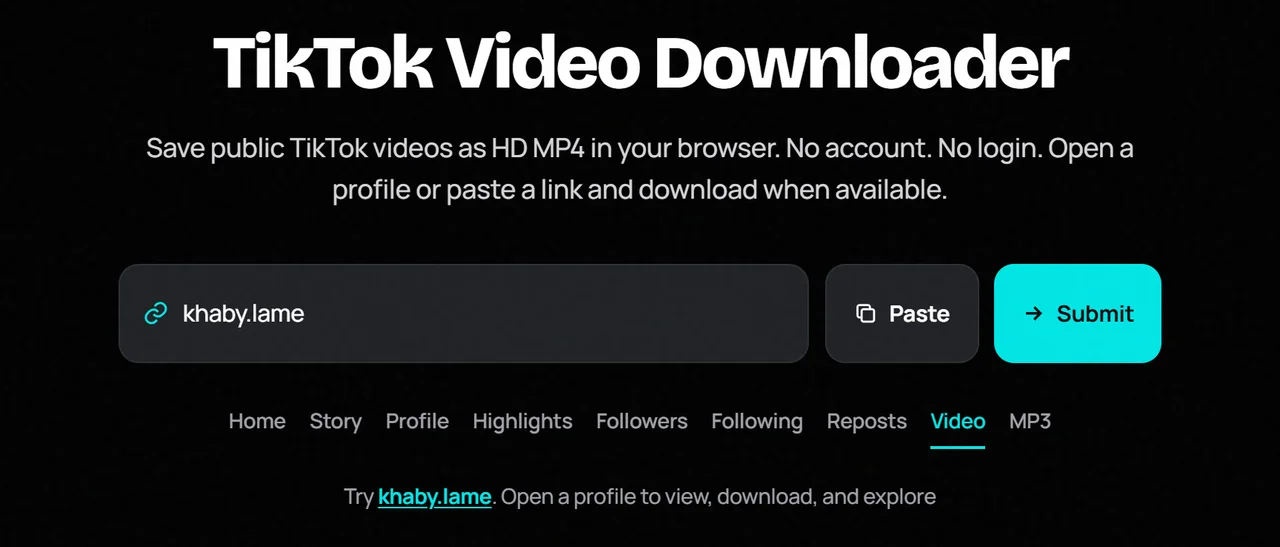
Look up a public username, open a public post, then tap download. Some tools also accept a video link. Tik Story View focuses on public profiles and the in-player download buttons for HD and video-only exports when available.
What Can You Download With a TikTok Video Downloader?
- HD MP4 when the highest public quality file is exposed
- Video-only MP4 when a muted/picture export is available
- Public photo posts as JPG in related viewers
- Nothing from private accounts or expired private media
Always keep downloads for personal use and respect copyright.
How to Download TikTok Videos Without Login
Step 1: Find the Profile or Video
Get a public @username or open a creator you already know.
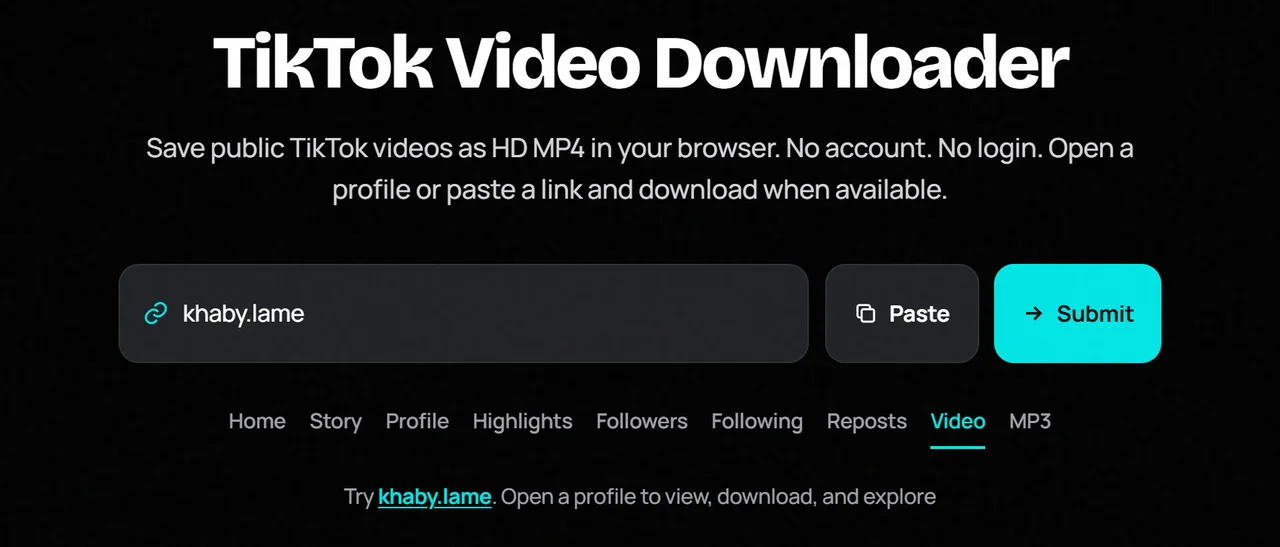
Step 2: Enter the Username or Link
Paste it into the search box above to open the public profile tools.
Step 3: Open a Public Video
Submit the search, then open a public post from the grid.

Step 4: Download HD or Video-Only
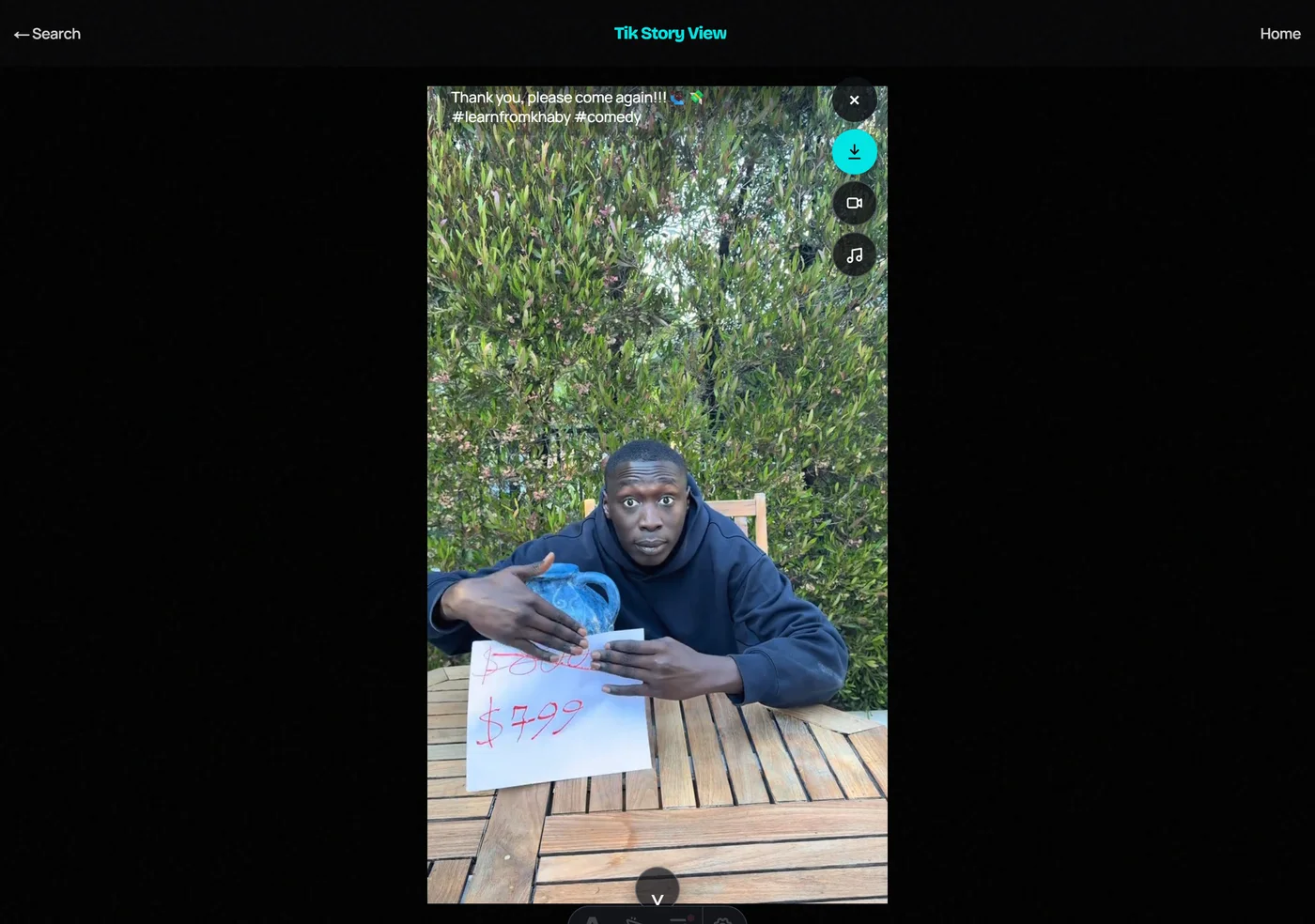
In the player, choose Download for HD MP4 or Video for video-only when those buttons appear. Files save to your browser download folder.
What Can You Do With Our TikTok Video Downloader?
Tik Story View pairs viewing and downloading: browse a public profile, open a post, and save HD or video-only MP4 without installing an app. Audio/MP3 is available on the sibling MP3 tool when a soundtrack exists.
TikTok Video Downloader vs TikTok App
| Feature | Video Downloader | TikTok App |
|---|---|---|
| Save public video files | Yes, when exposed | Limited / watermarked shares |
| Login required | No | Yes for most features |
| Private videos | No | Only with access |
| App install | No | Yes |
Benefits of Using a TikTok Video Downloader
- Browser-native workflow
- HD and video-only options when available
- No TikTok login
- Works beside profile research tools
Is It Safe to Use a TikTok Video Downloader?
Stay on trusted sites. Never enter your TikTok password. Do not repost someone else’s work without permission. Personal offline copies of public media are the intended use.
TikTok Video Downloader Not Working? Common Problems and Fixes
- Confirm the video is public.
- Open the post again and wait for the player to finish loading.
- Retry after a short wait if the CDN link expires.
- Try another browser.
- Some posts simply do not expose a downloadable file.
Final Thoughts
A TikTok video downloader should be simple: open public media, tap download, and save an MP4 when TikTok exposes it — without a login, and without promising private unlocks.